Registering for an Account
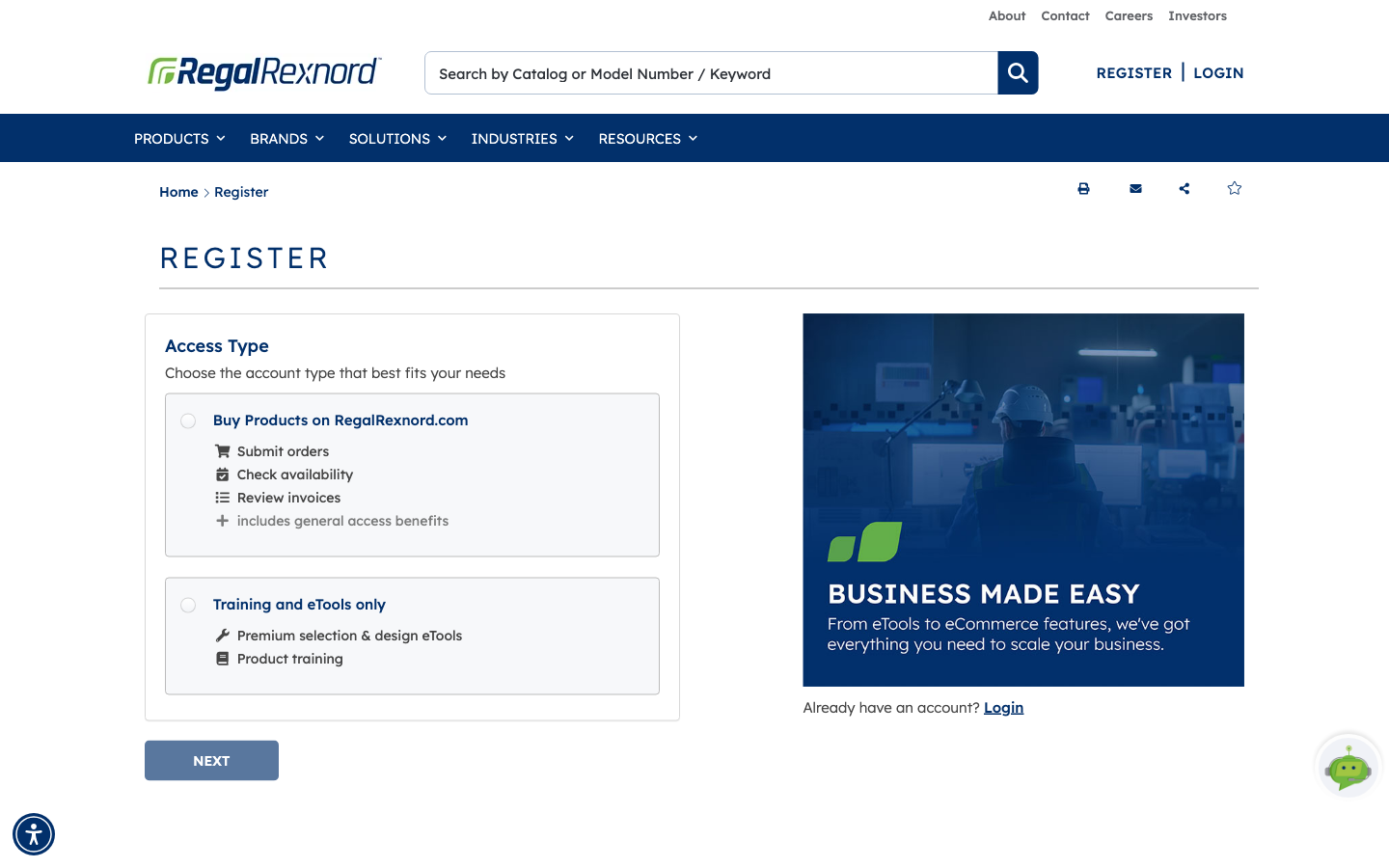
Registration is how you get pricing, ordering and order history on RegalRexnord.com. The form asks a few questions up front so your request can be matched to the right company…
9 stepsStep-by-step walkthroughs of RRX.com features, captured screen by screen.
Registration is how you get pricing, ordering and order history on RegalRexnord.com. The form asks a few questions up front so your request can be matched to the right company…
9 steps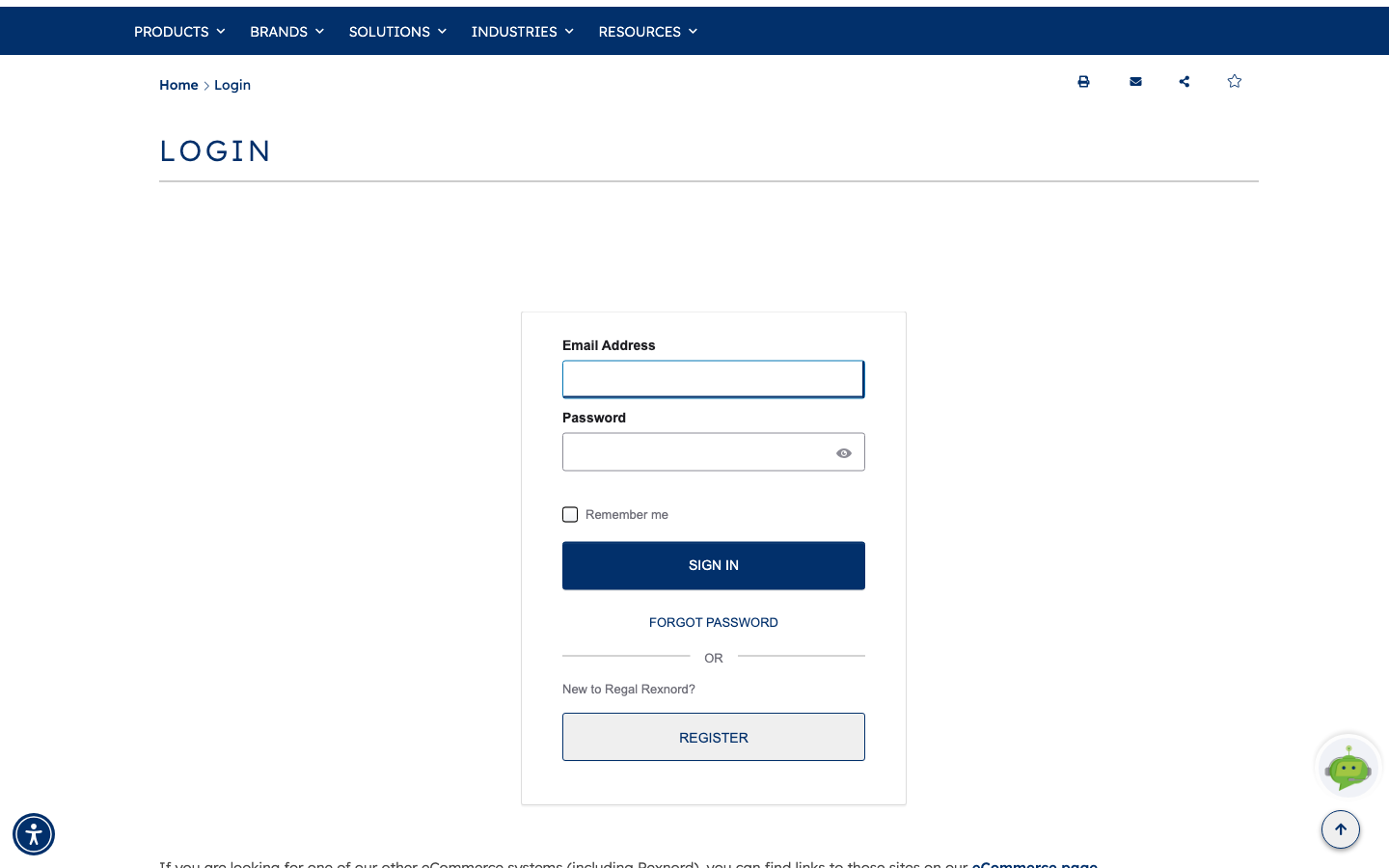
If you can't remember your password, you don't need to contact anyone — the sign-in page can email you a reset link.
4 steps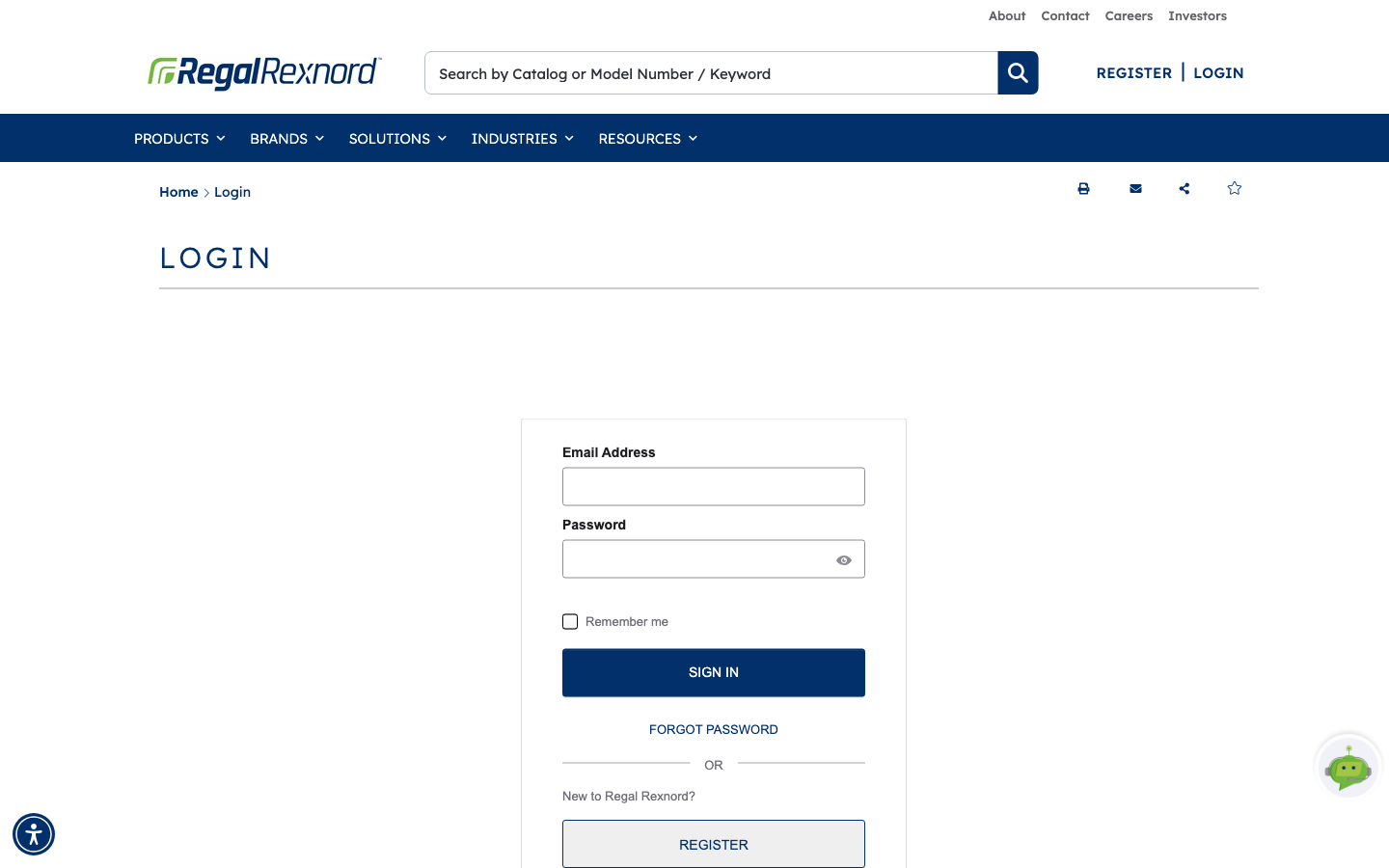
When you sign in, Regal Rexnord asks which account and which shipping address you want to work under for the session. That choice isn't cosmetic — it decides which products you…
4 steps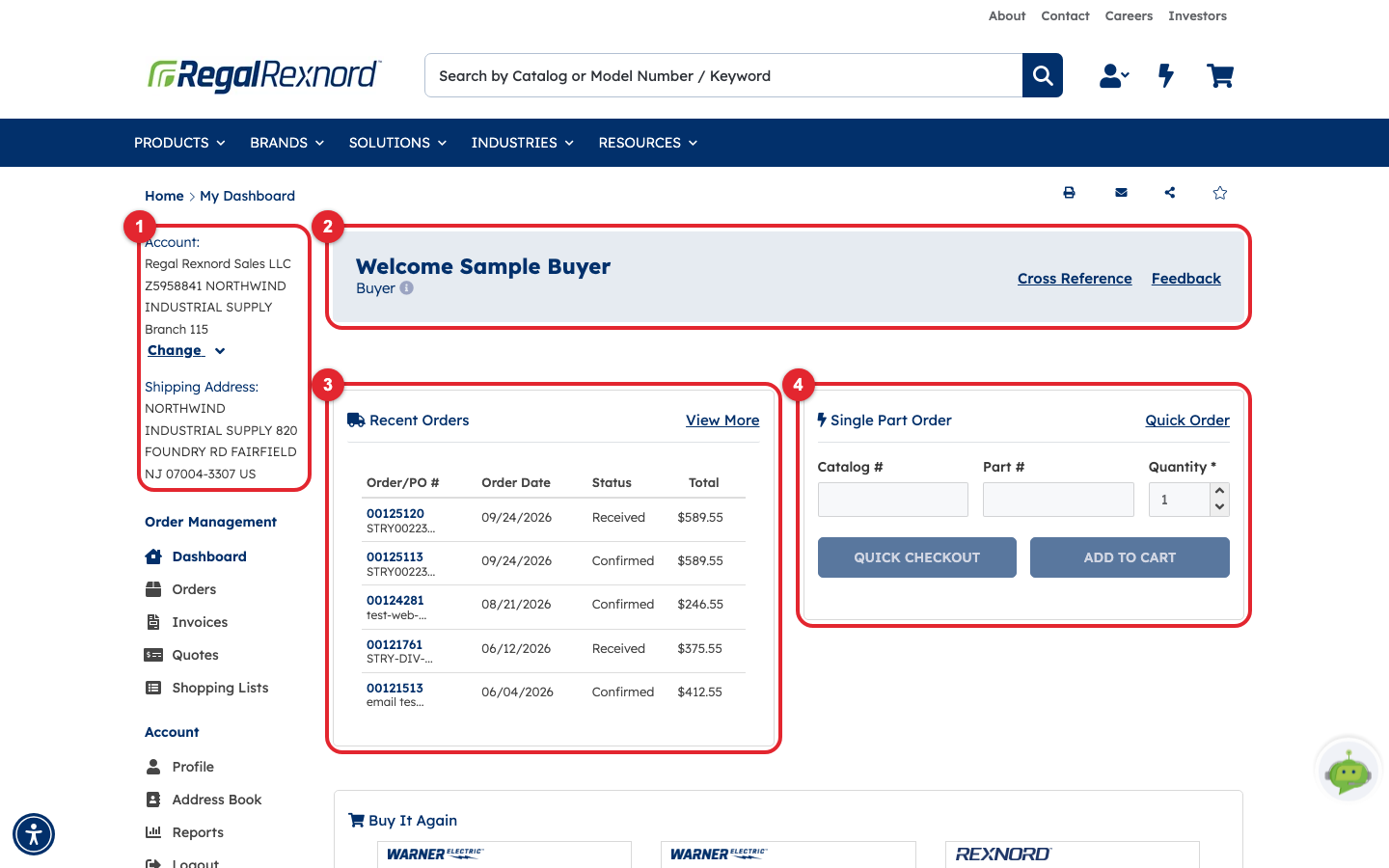
Your Dashboard is your home page after you sign in. It shows which account you're working in, your latest orders, products you buy often, and shortcuts to everything else in…
5 steps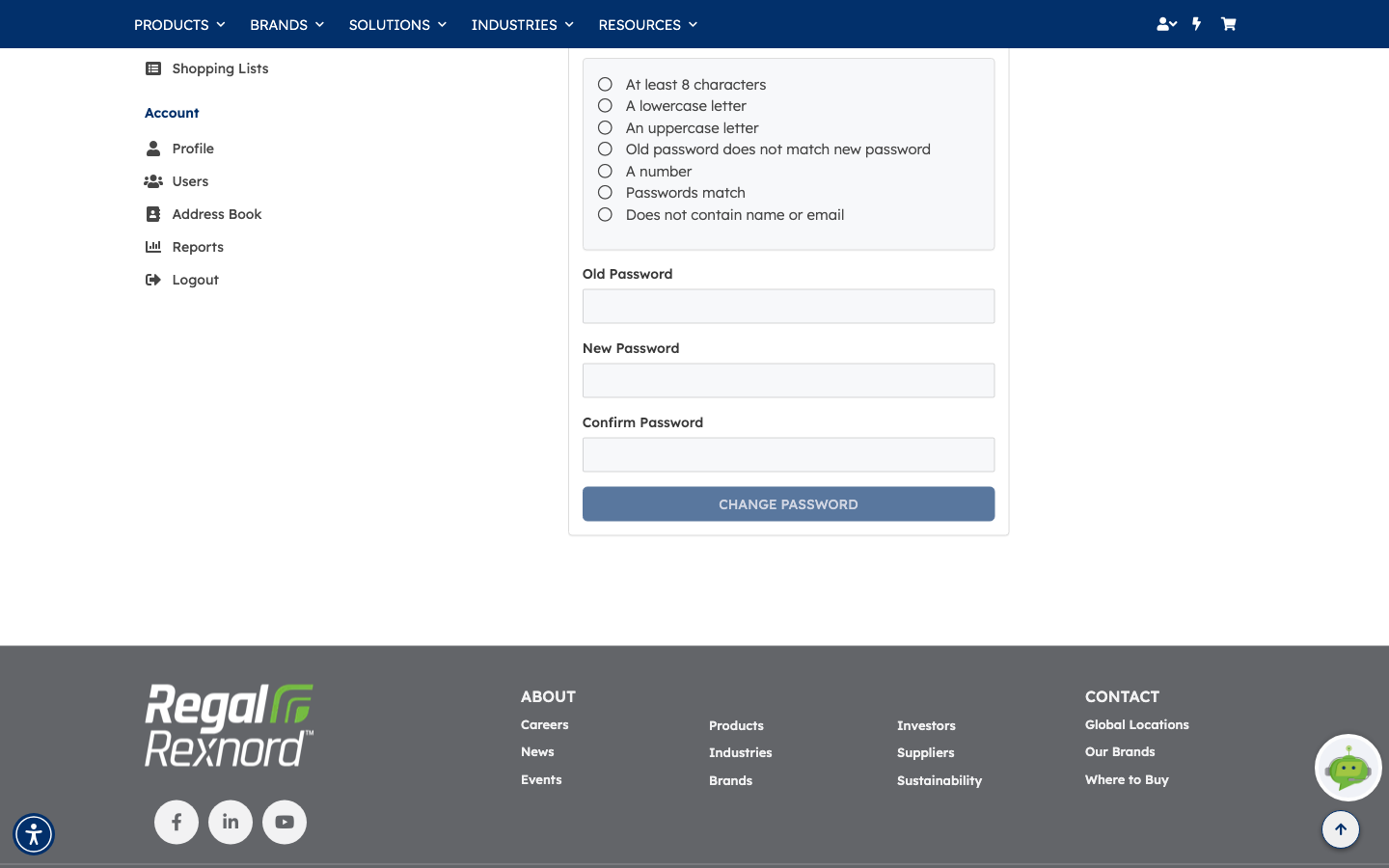
You can change your own password at any time from your account. The form checks your new password against the security policy as you type, so you find out immediately whether…
4 steps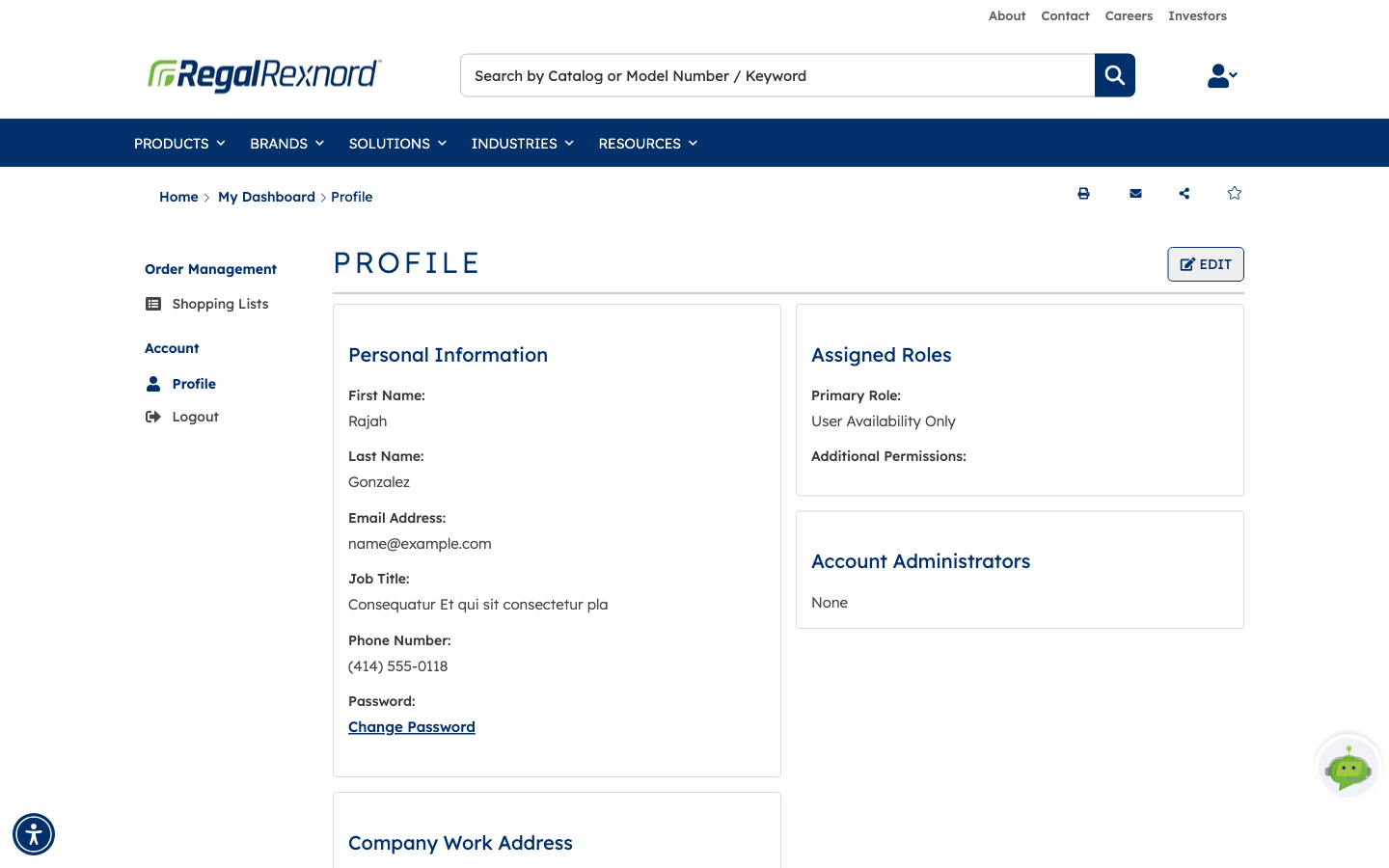
If you buy for more than one company account — a second location, a sister company, a branch you've just picked up — you don't have to wait for someone to set that up for you.…
10 steps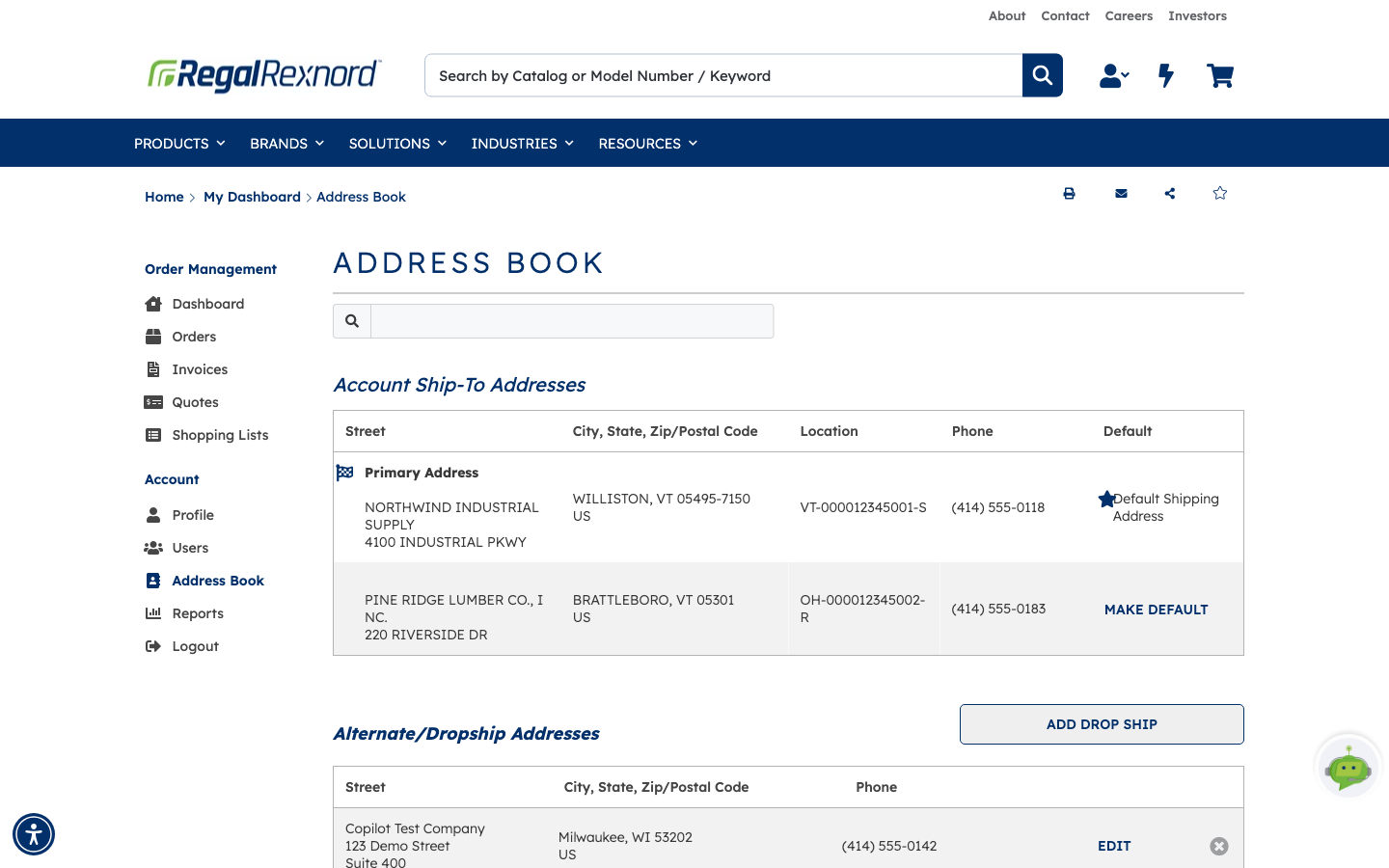
The address book holds every place an order can go. Some entries come from your account and can't be changed; others you add yourself for one-off deliveries — a job site, a…
5 steps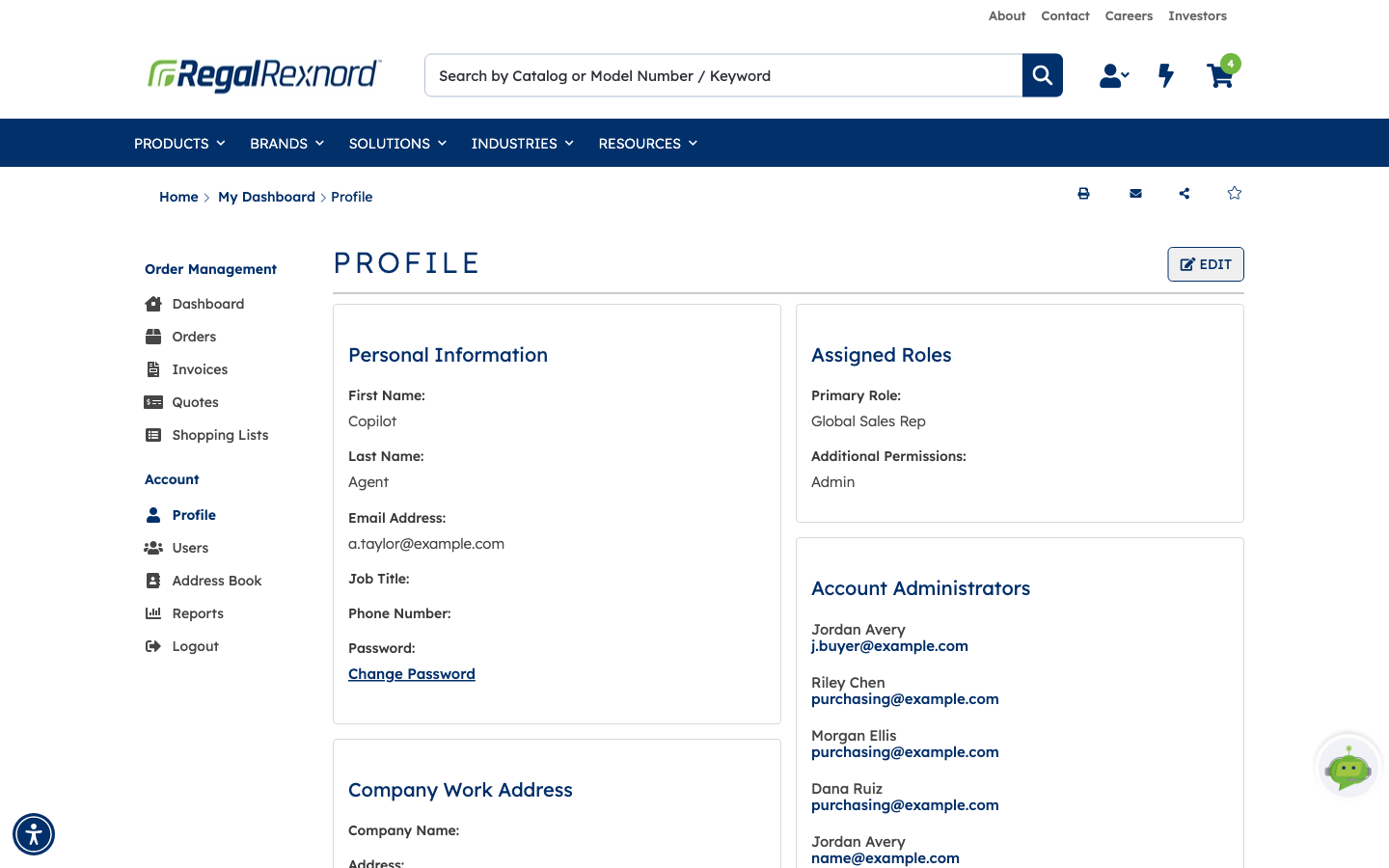
Some things on the site can only be done by an account administrator — approving a new colleague's access, changing someone's permissions, removing a user who has left. If you…
3 steps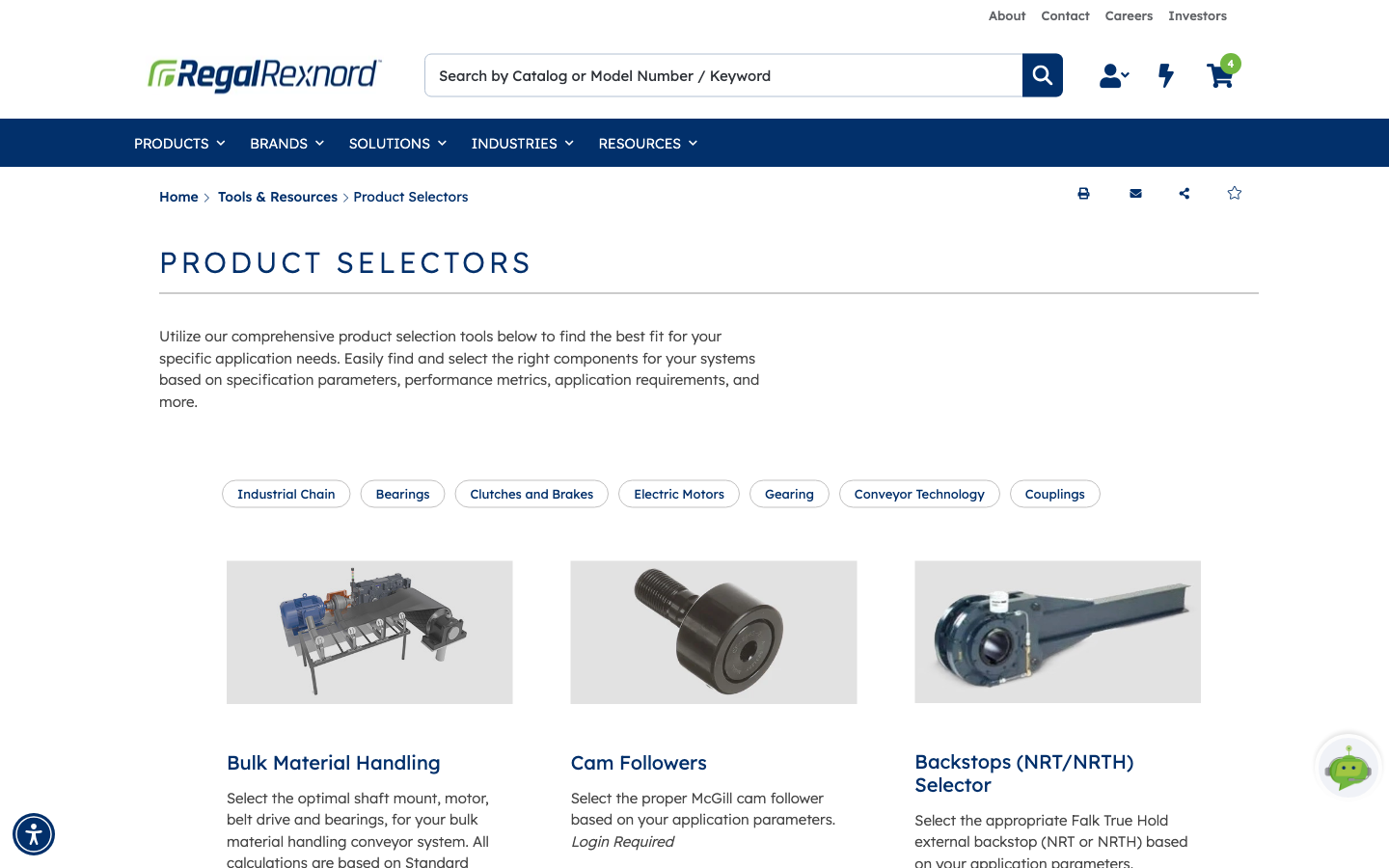
When you know what your application has to do but not which gearbox does it, the Gear Drive Selector works the problem backwards. You describe the application — motor, ratio,…
6 steps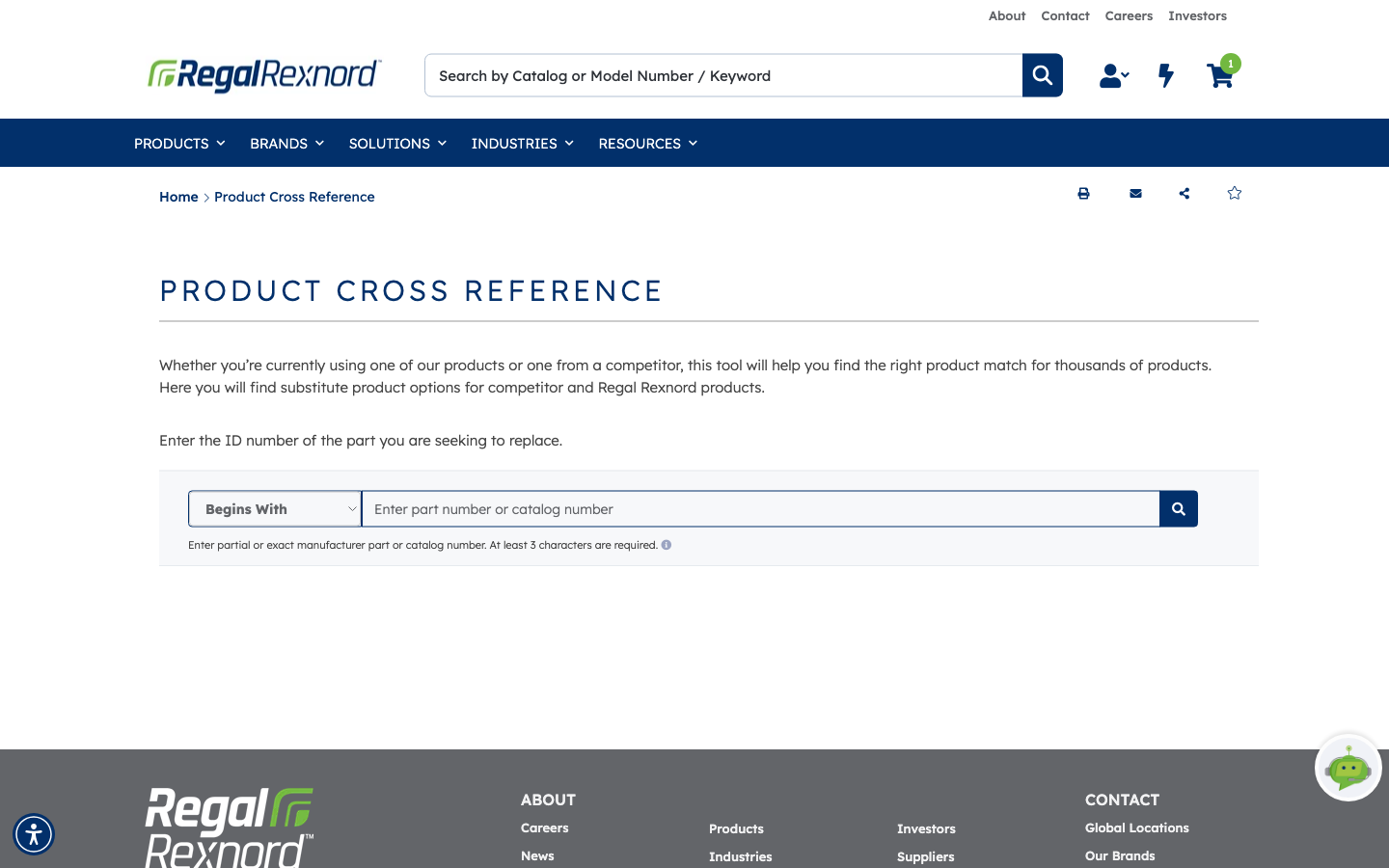
Product Cross Reference takes a part number — a competitor's, or one of ours — and finds the Regal Rexnord product that replaces it, side by side, spec for spec.
7 steps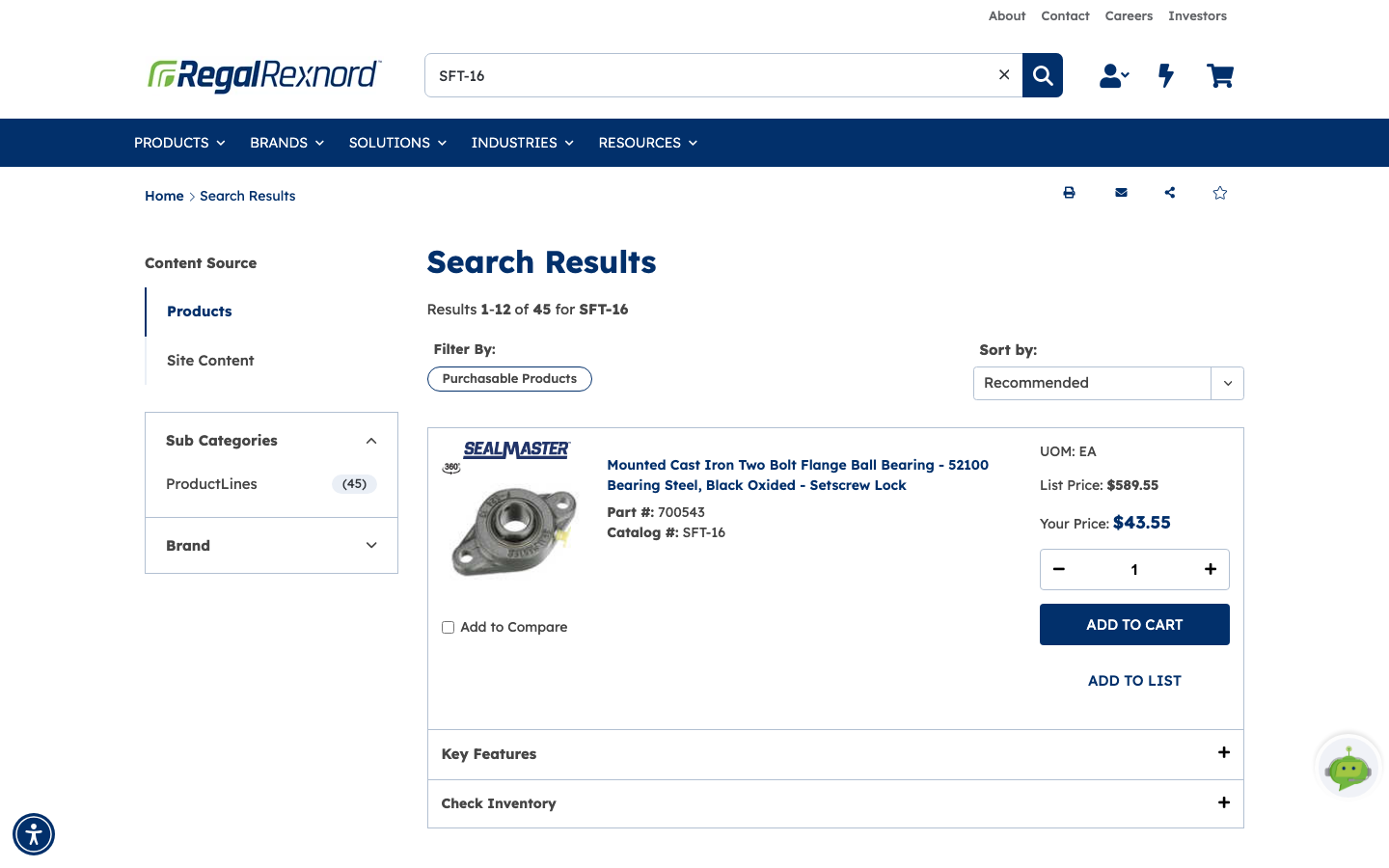
Before you order anything, there are two things you usually want to know: what it costs you, and whether it's actually on the shelf. Both live on the product page, and you can…
6 steps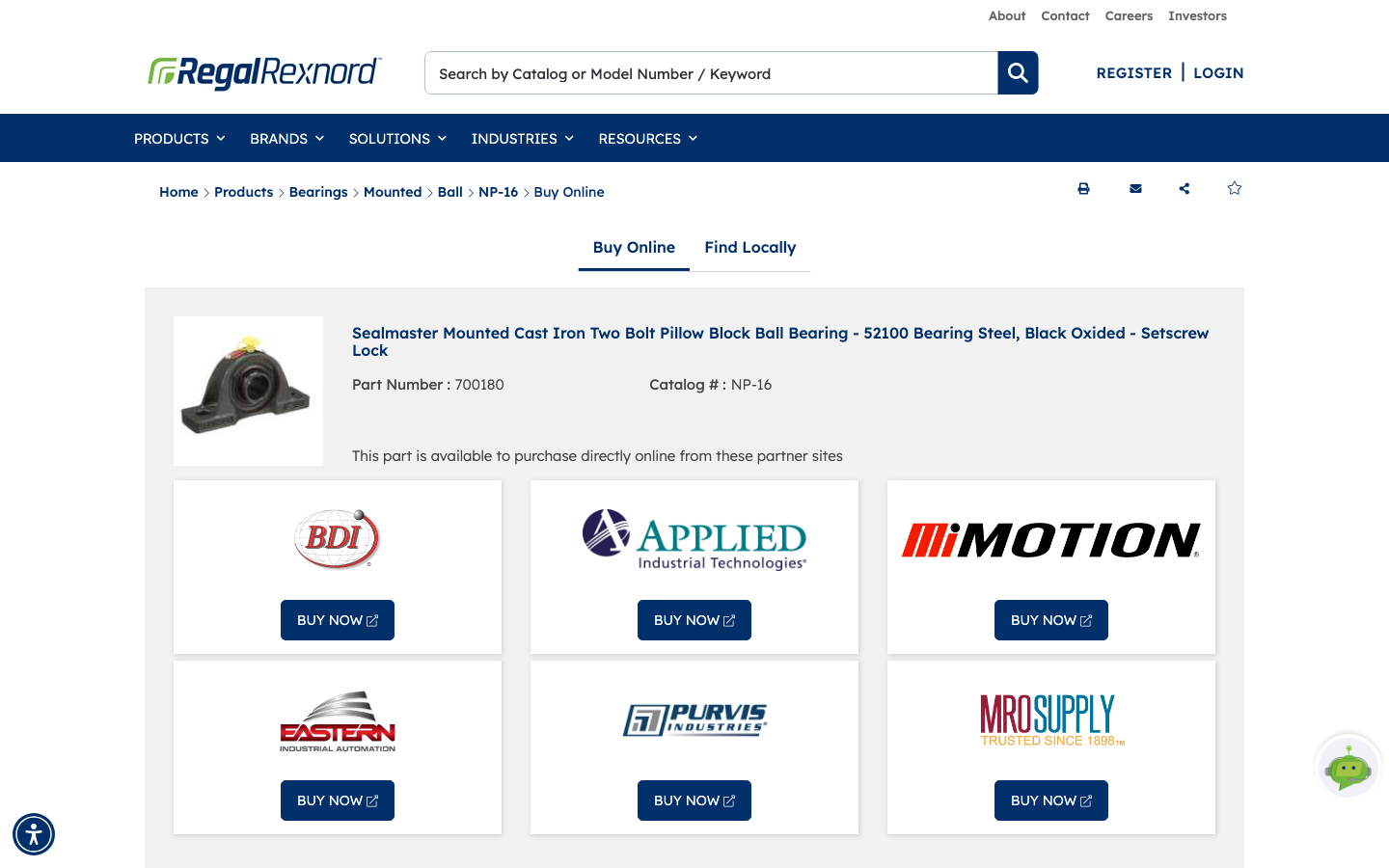
Where to Buy takes you from a Regal Rexnord part number to somewhere you can actually buy it — either an online retail partner or a distributor near you. It's the buying path…
4 steps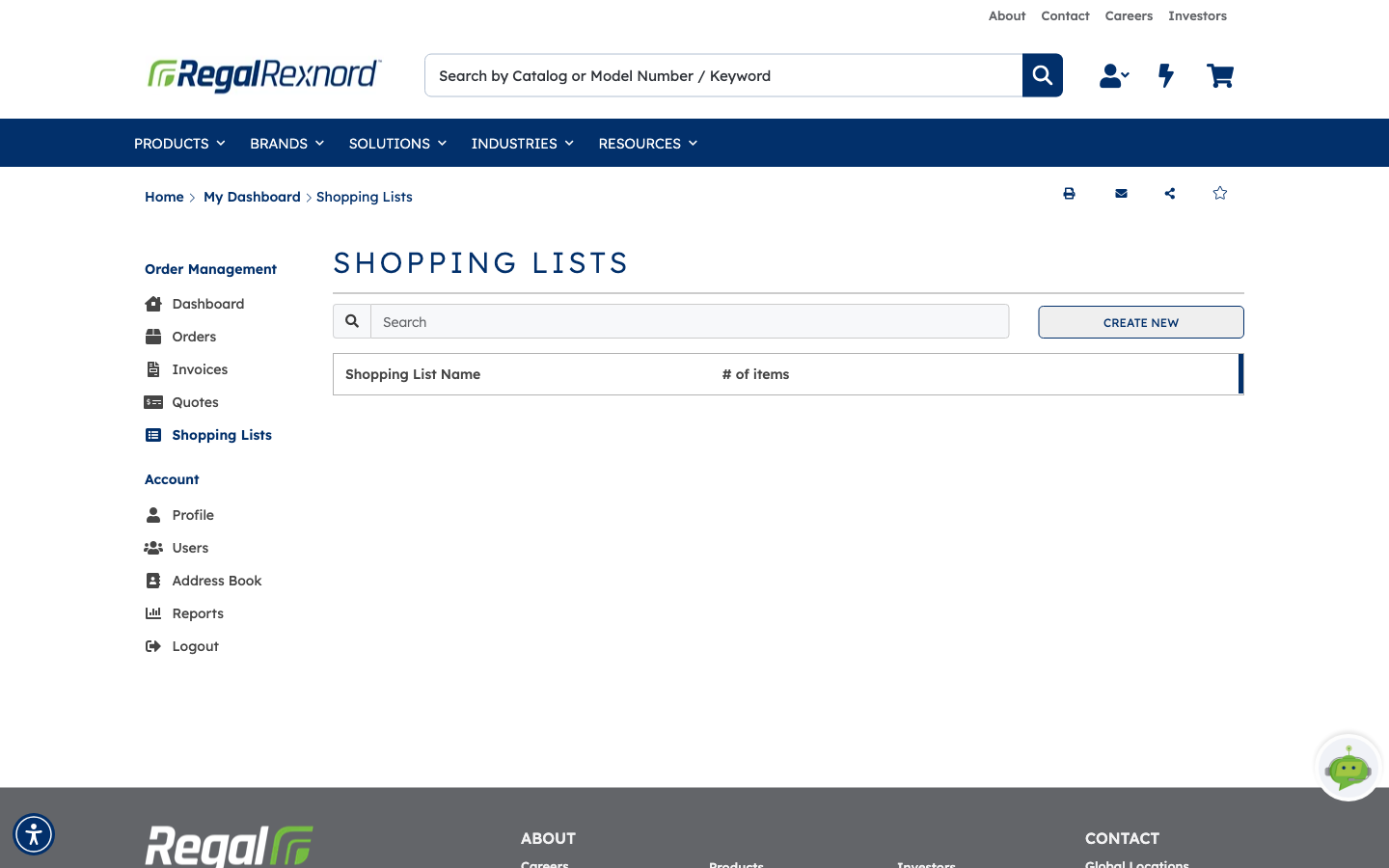
Shopping lists let you save the products you order again and again, so you can reorder them in a few clicks. You can keep as many lists as you like, share them with colleagues,…
16 steps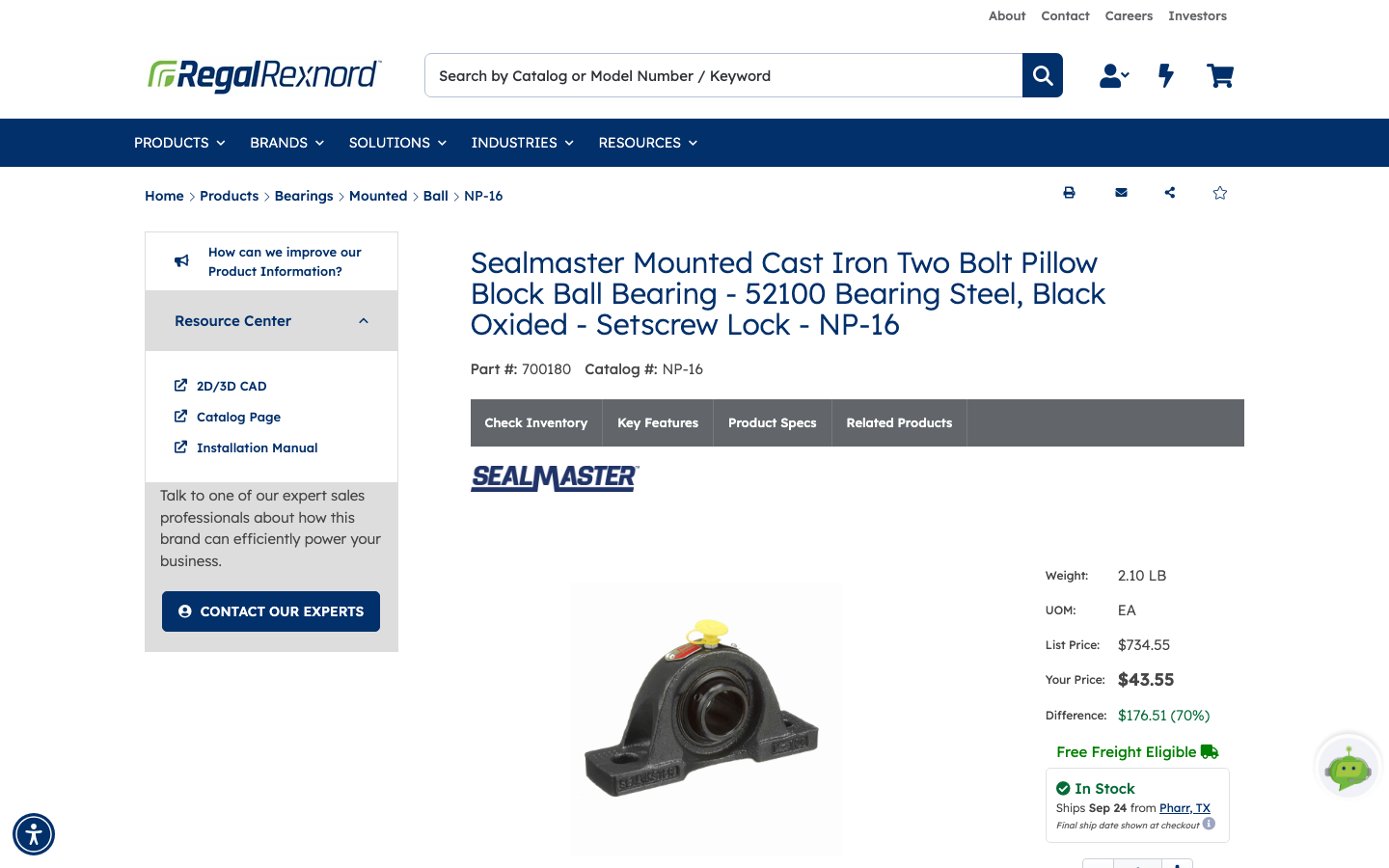
This is the full journey: find a part, put it in the cart, check out, and confirm the order landed. Every other ordering shortcut on the site — Quick Order, quotes, reordering…
14 steps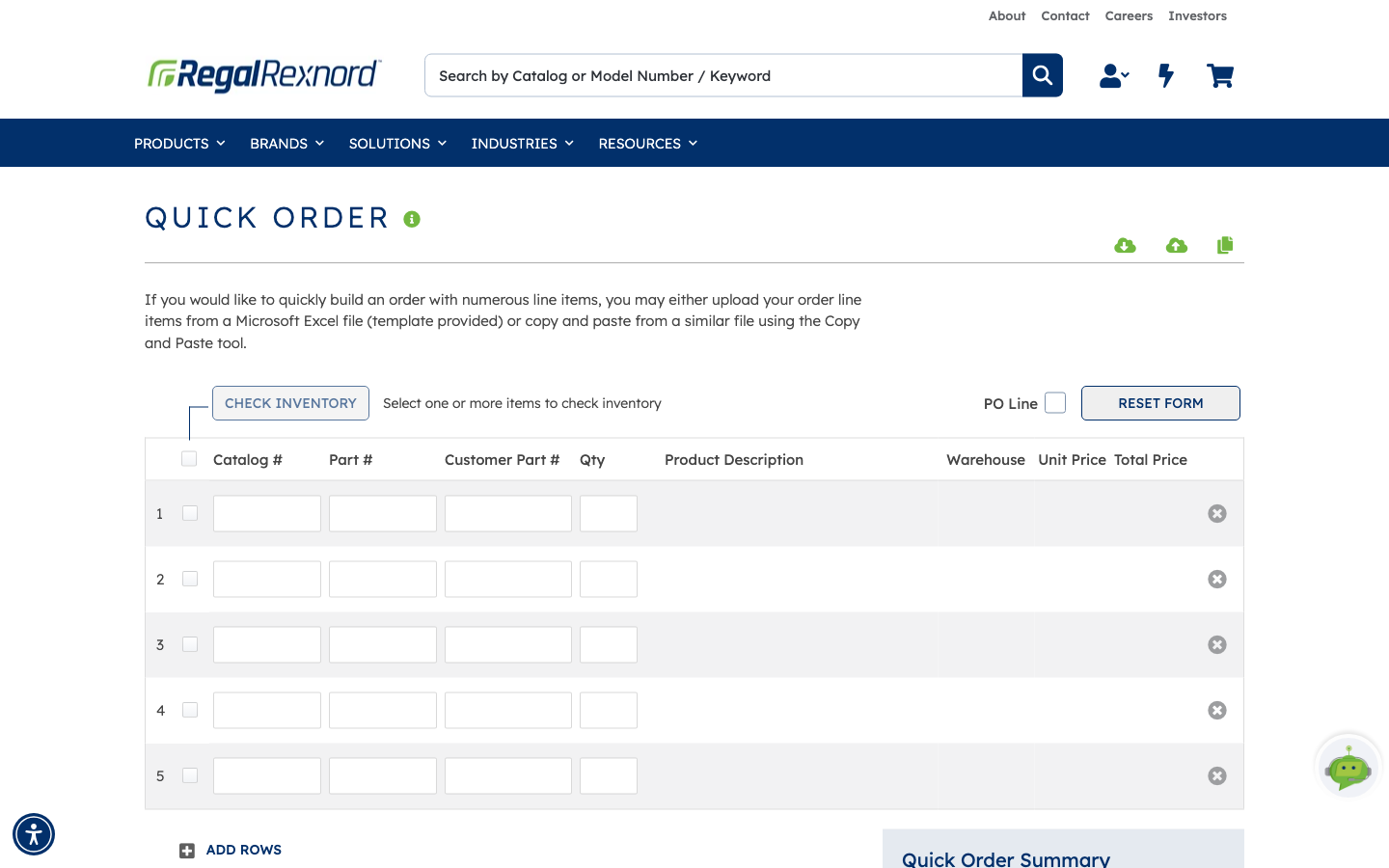
If you already know the part numbers you want, Quick Order is the shortest route from a list to a cart. Type them straight into a grid, or bring them in wholesale from a…
15 steps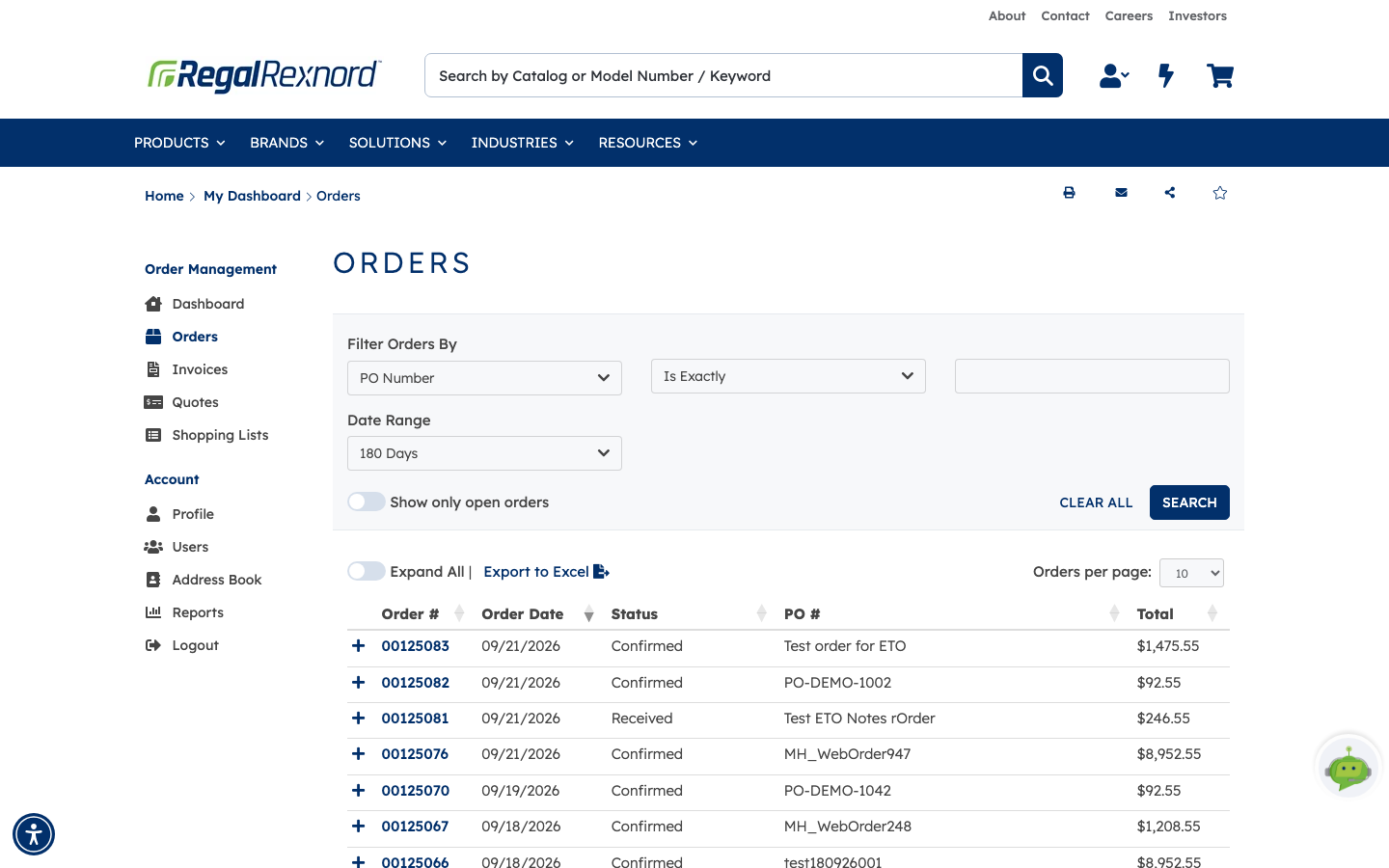
Orders is where you go to answer the everyday questions about something you've already bought: has it shipped, what did it cost, which warehouse is it coming from, and where's…
7 steps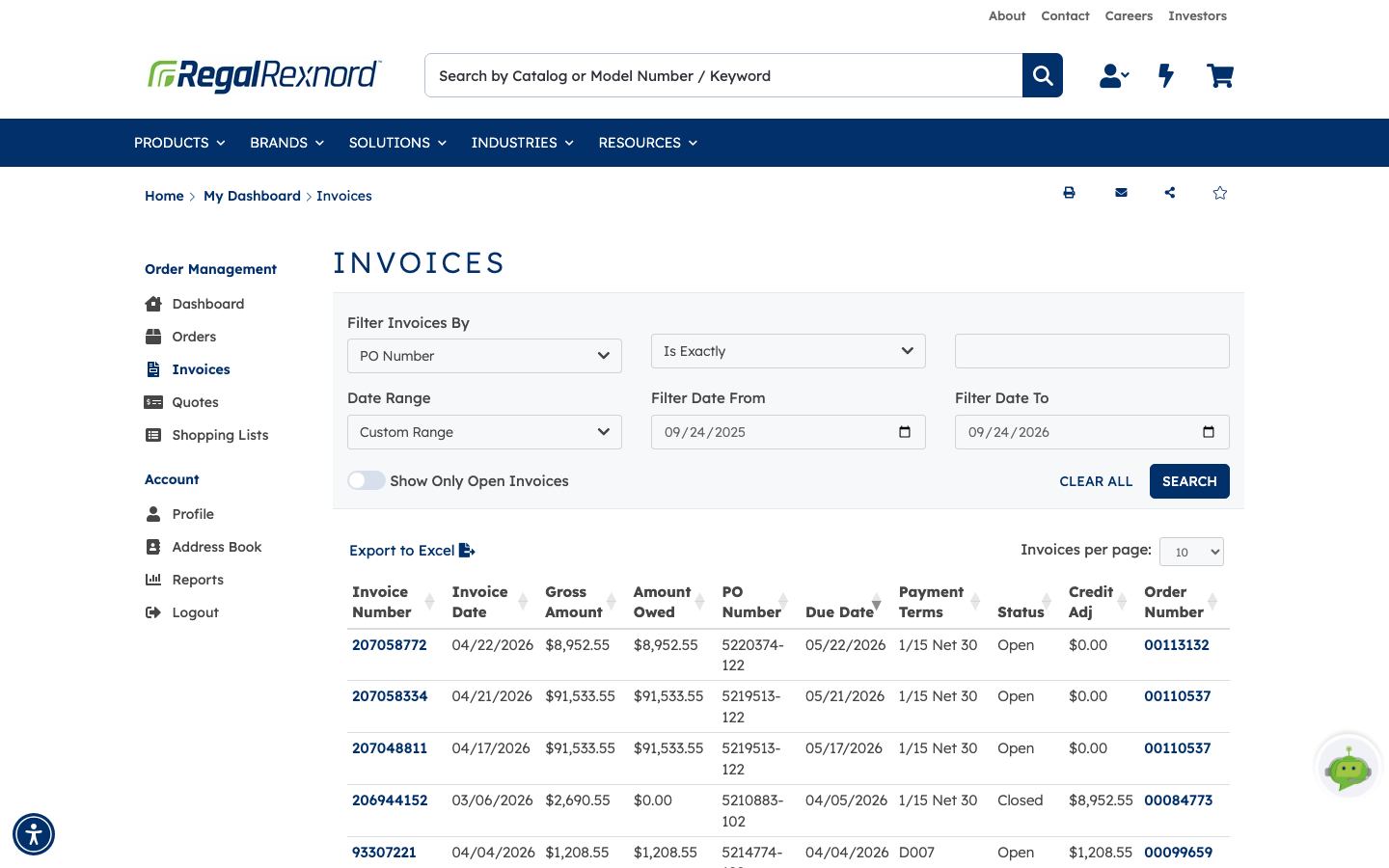
Invoices is where you go to answer the everyday billing questions: what was billed, how much is still owed, when it's due, and which order and PO it belongs to.
6 steps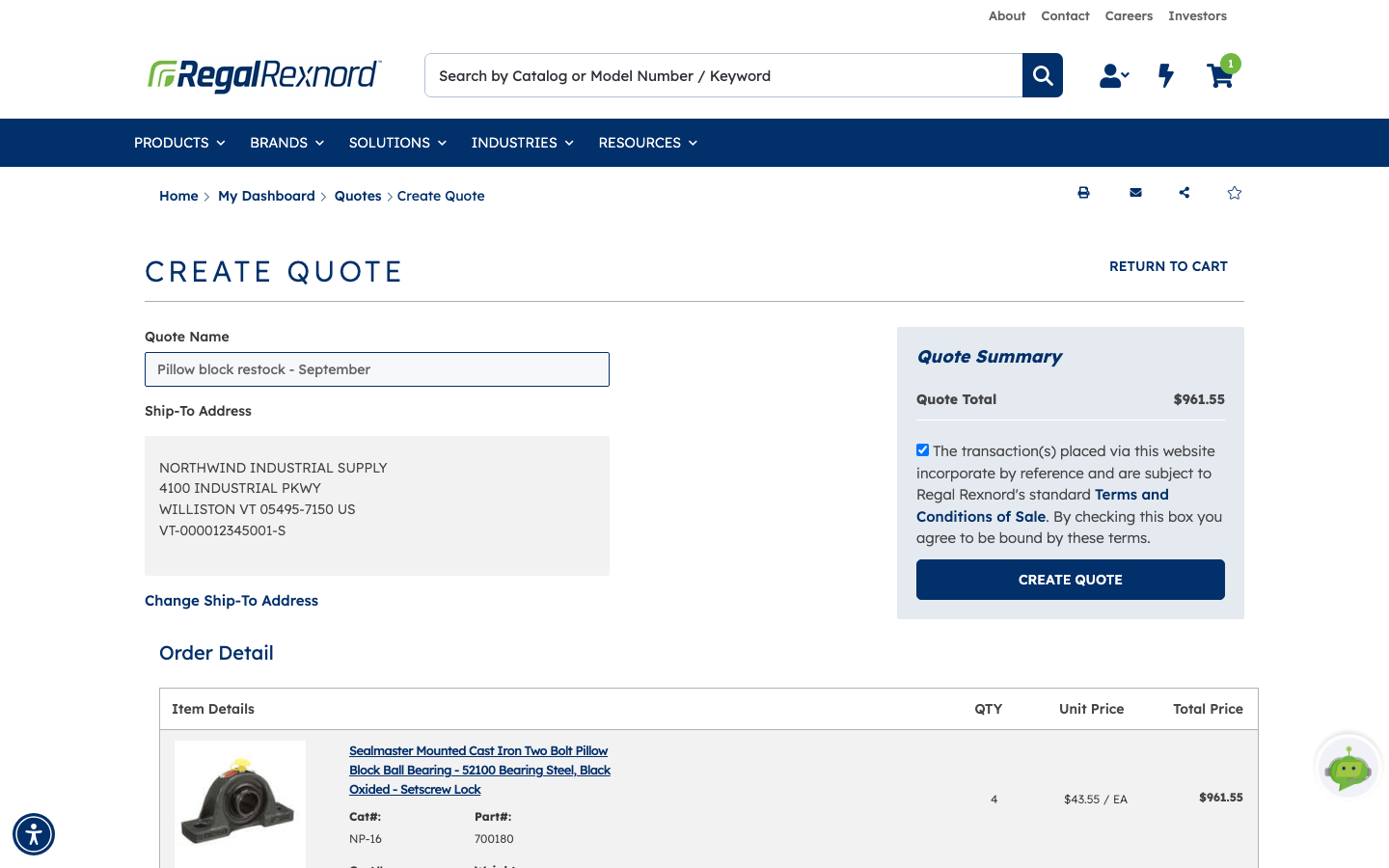
Sometimes you need a price in writing before you can buy — for a budget, an approval, or an end customer. Create Quote takes whatever is in your cart and turns it into a…
5 steps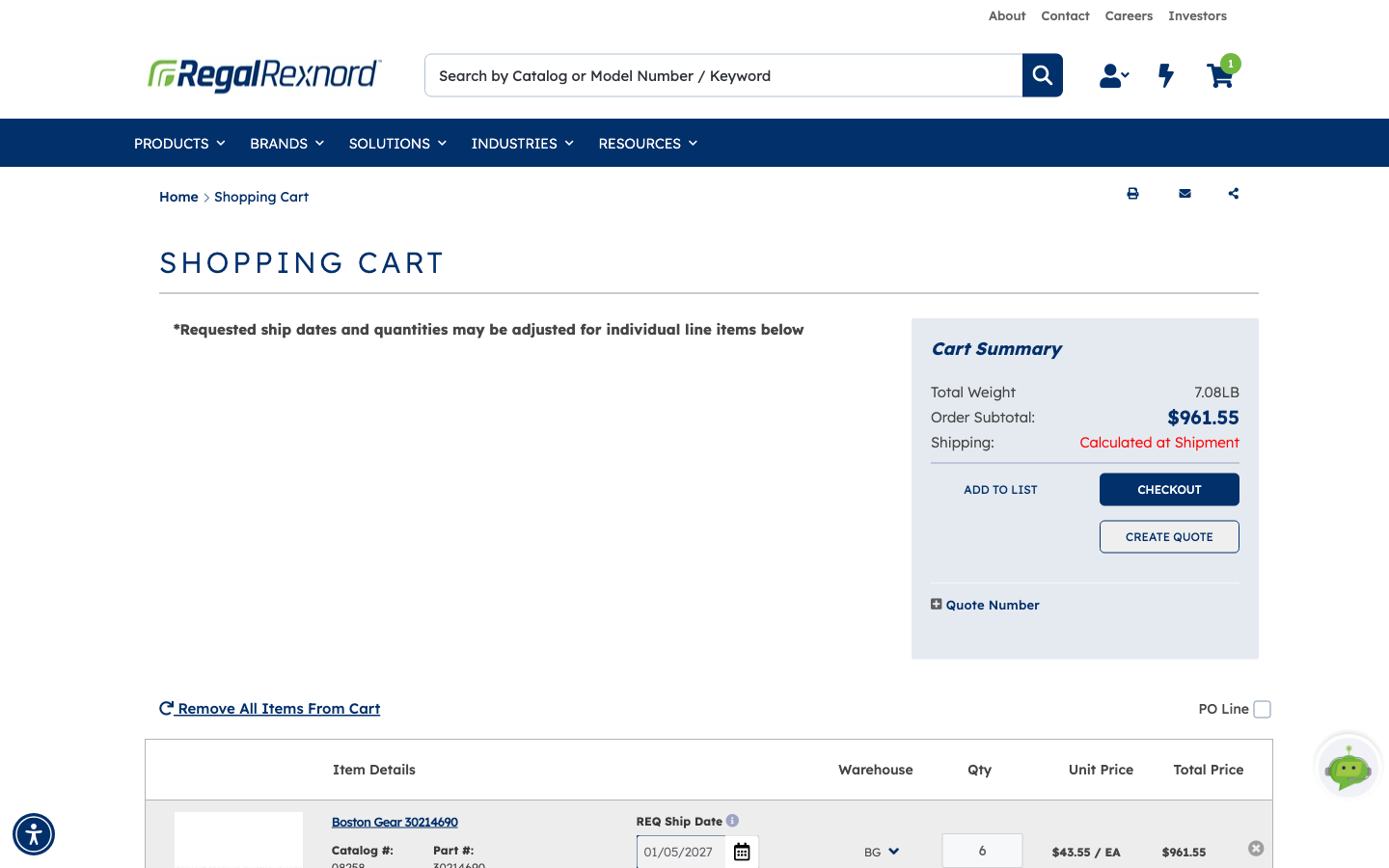
If you've been given a quote, you don't have to re-order from it by hand. Build your cart as usual and apply the quote number — the quoted pricing drops straight onto the…
4 steps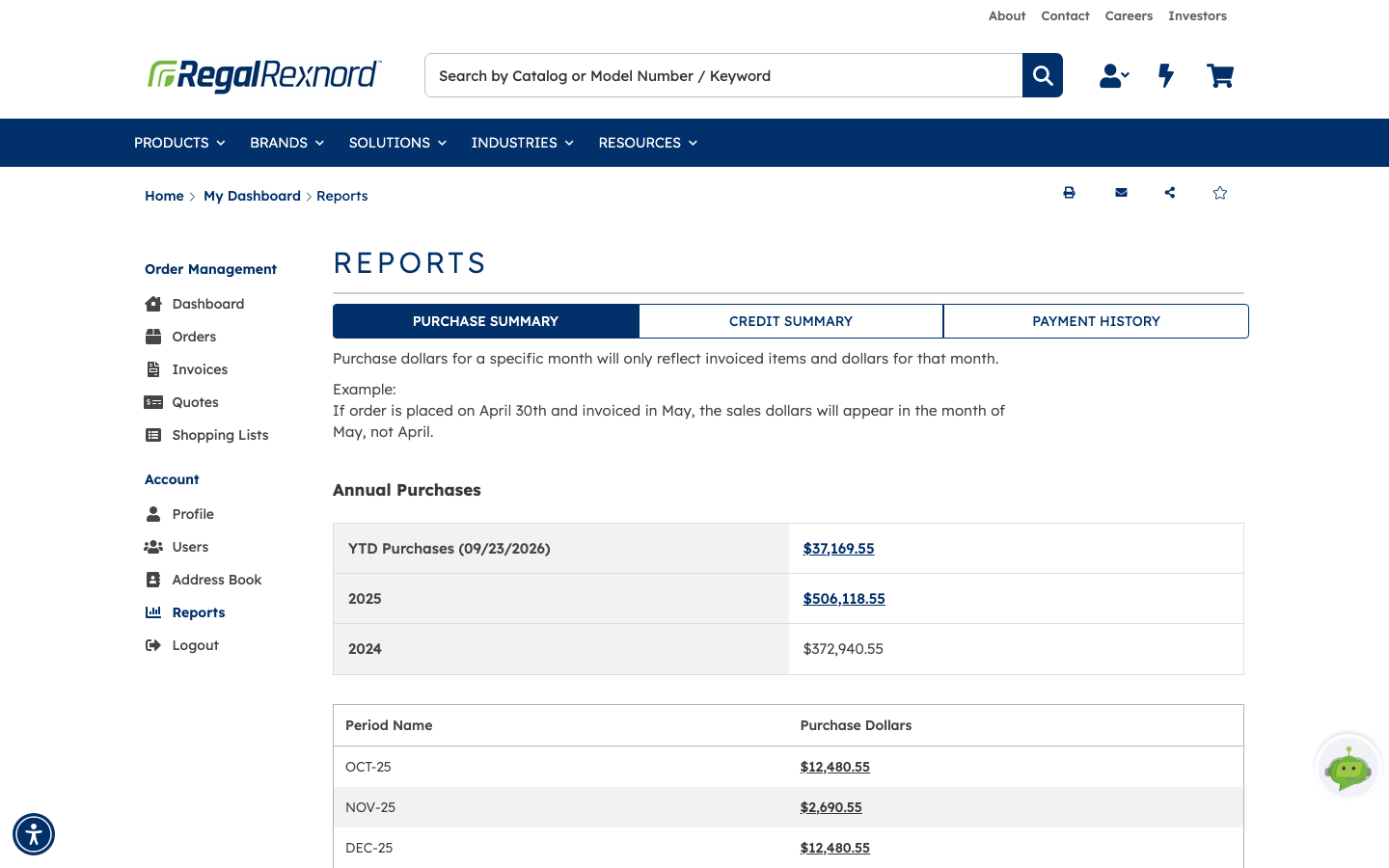
Reports answers the questions that come up when someone asks you what you've been spending with Regal Rexnord: how much this year, how much last year, which months, which parts…
6 steps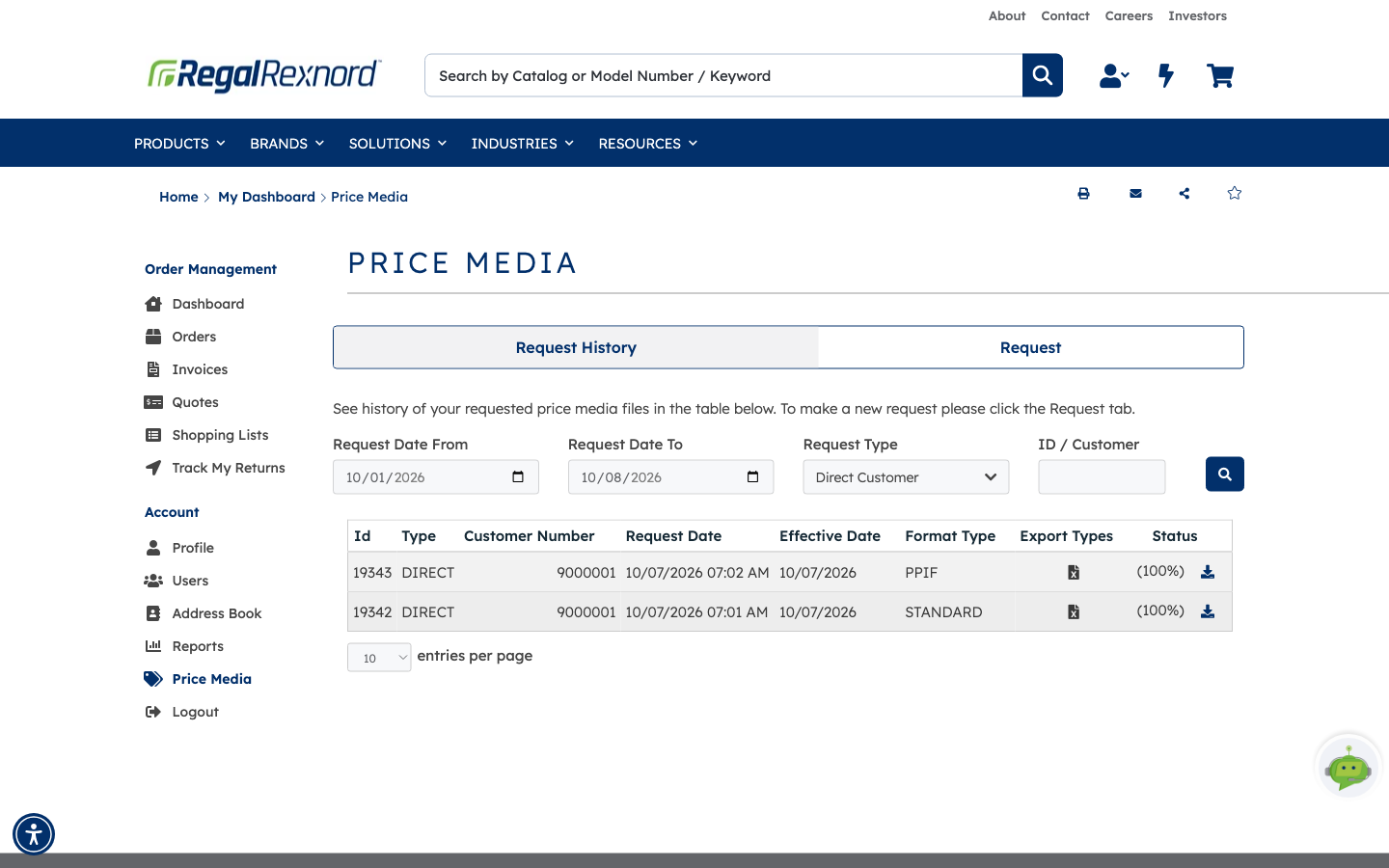
Price Media lets you request an up-to-date copy of your price list as a file you can import into your own systems, then download it when it's ready.
5 steps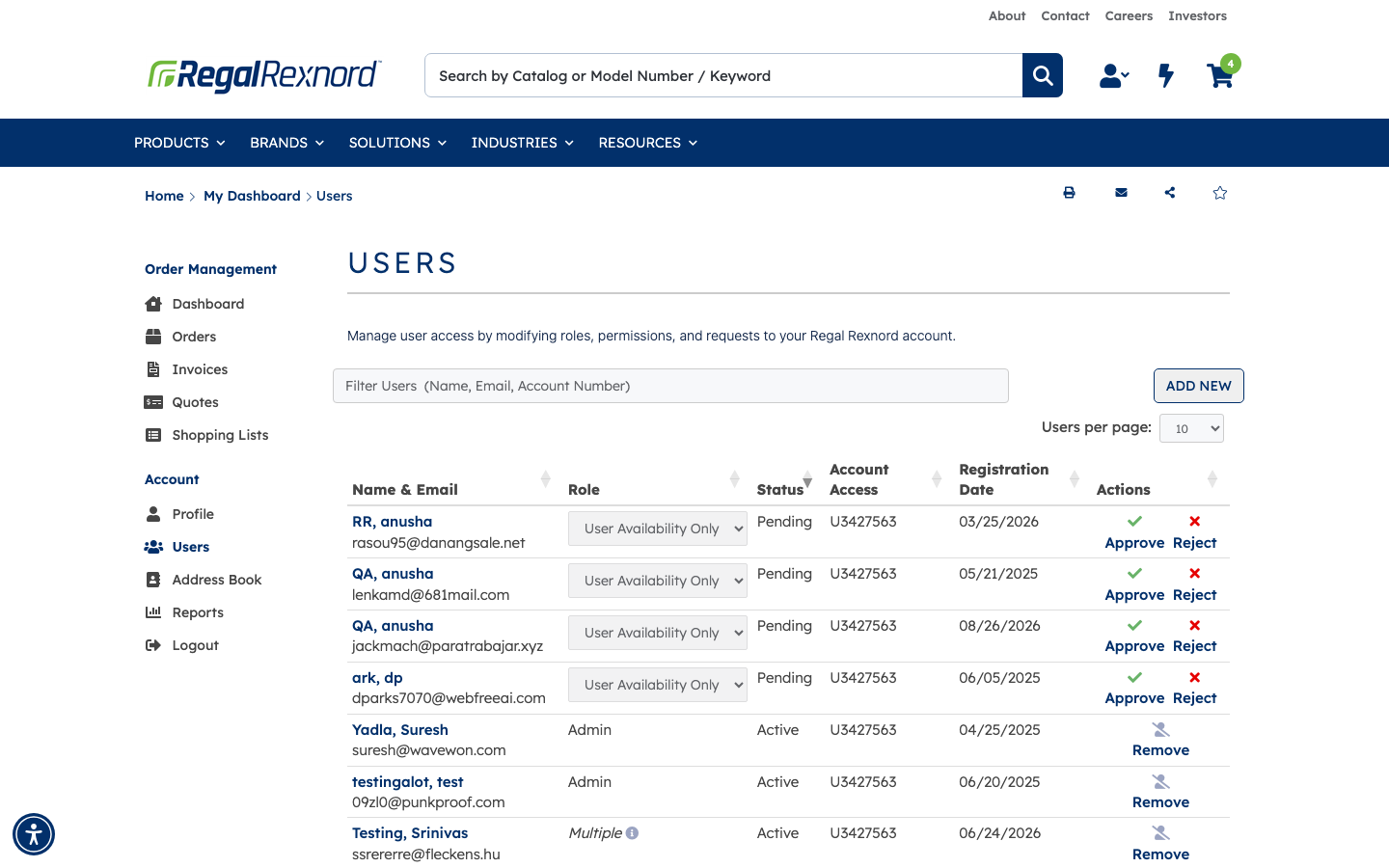
Account administrators can give colleagues their own sign-in rather than sharing one. Each person gets a role that decides what they're allowed to do, and access to only the…
3 steps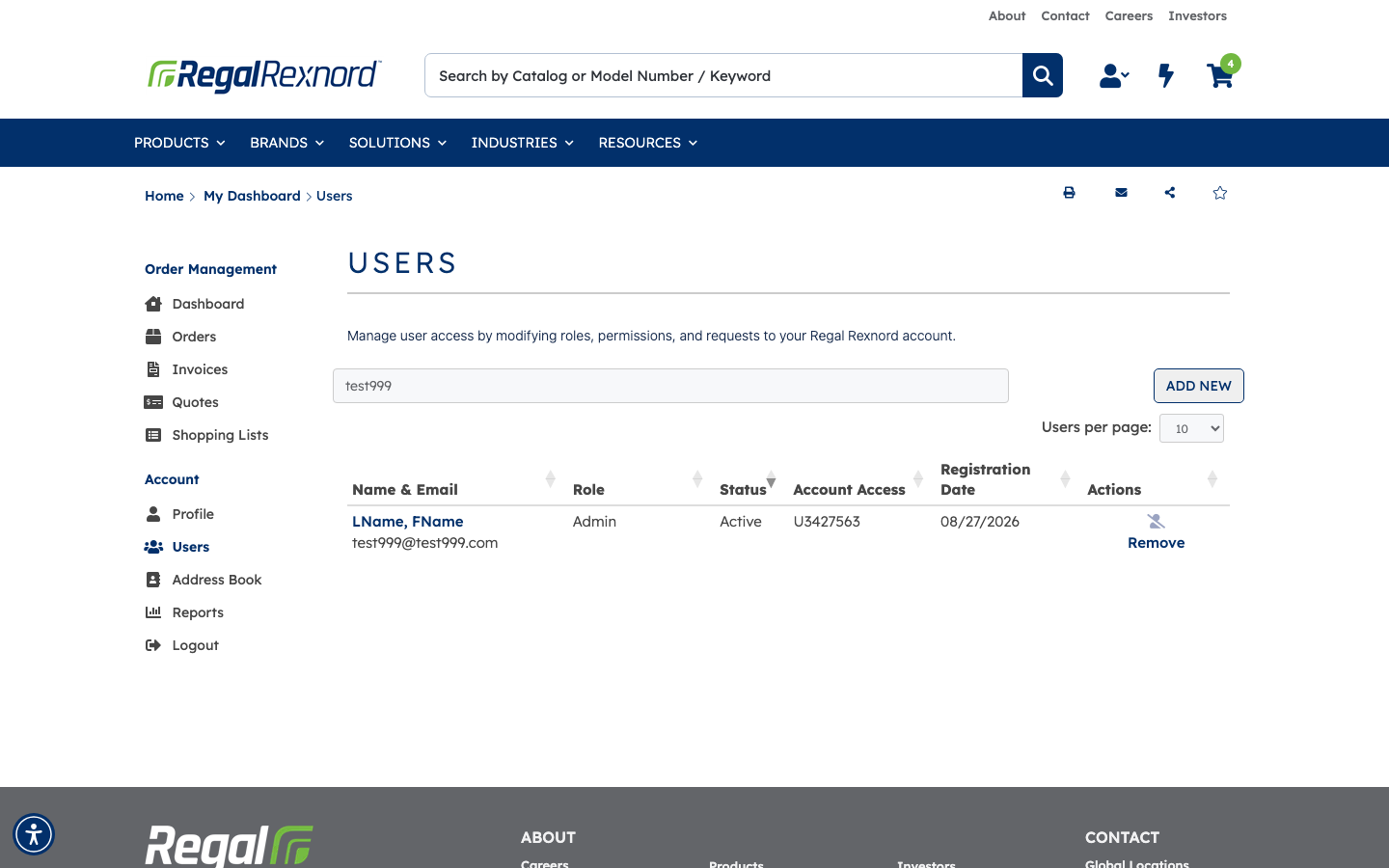
People move roles. Someone who only needed to check stock now places orders; someone who was an administrator moves on. Manage User is where you change a colleague's…
4 steps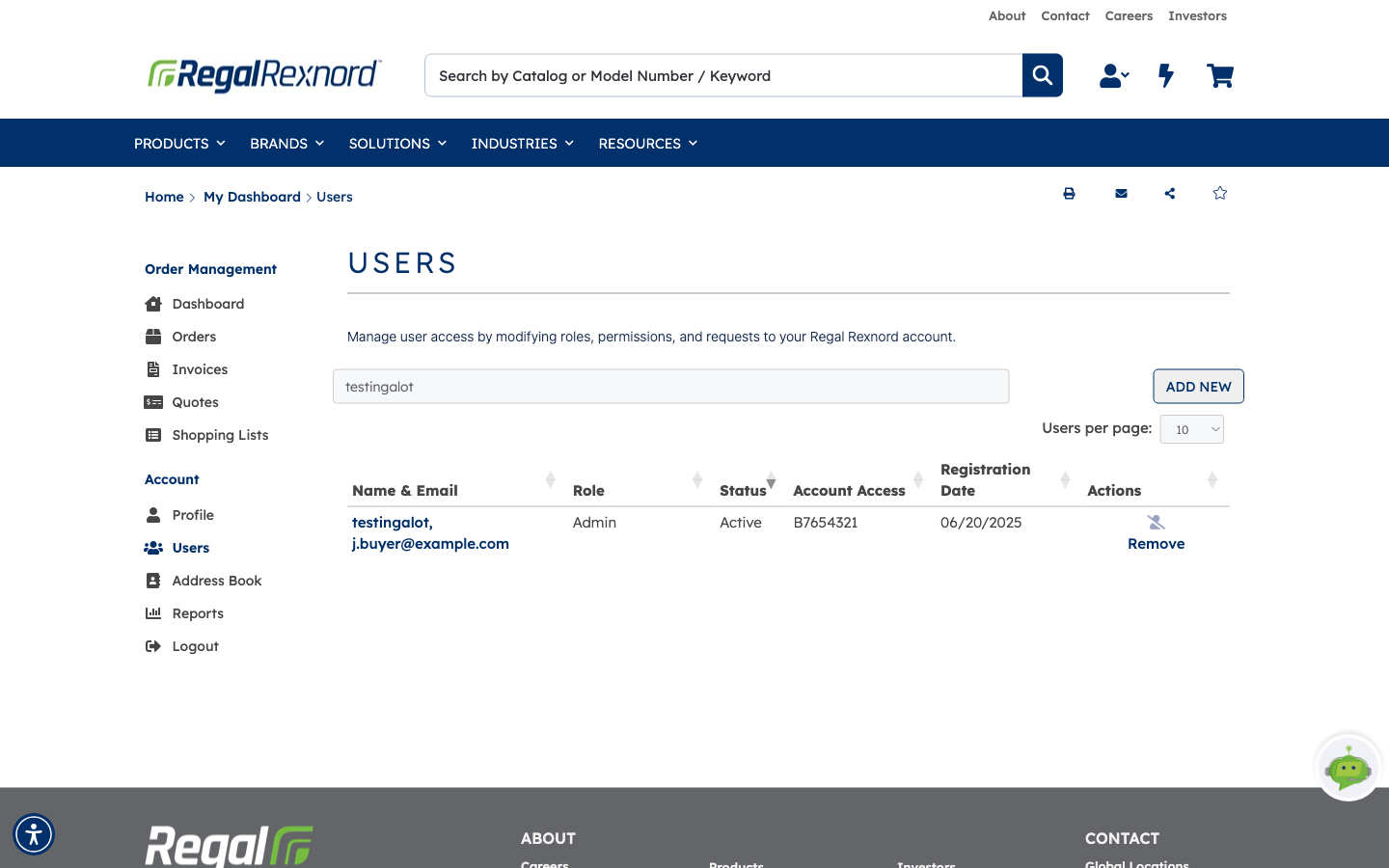
When someone leaves, changes job, or simply shouldn't have access any more, an administrator removes them. It takes two clicks, so it's worth knowing exactly what it does…
4 steps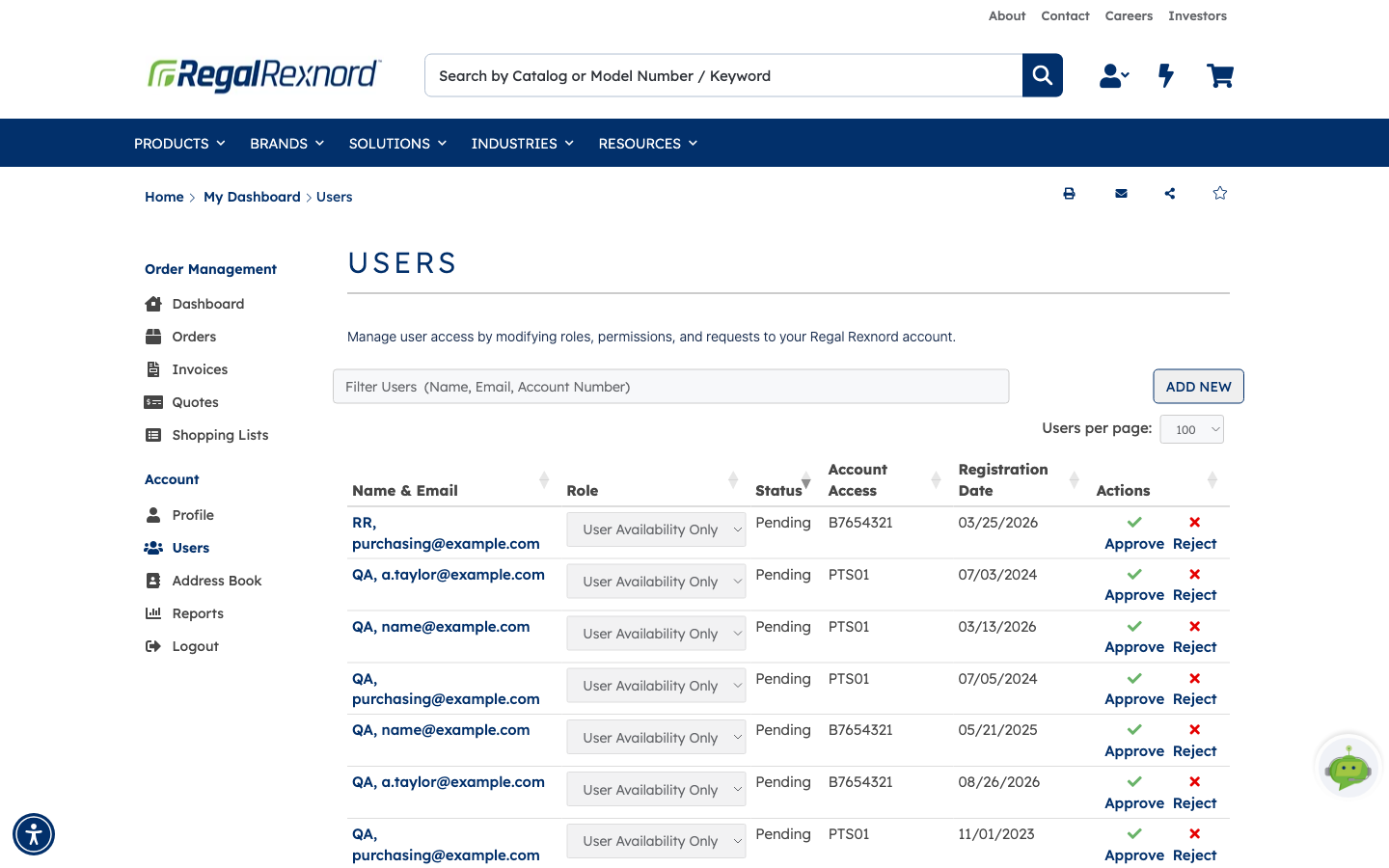
When someone asks for access to your account, you decide whether they get it and what they're allowed to do. Account administrators can approve or reject each request right…
8 steps