Choosing Your Account After Signing In — Test results
2026-07-09T21:05:56Z by Showboat 0.6.1
Supporting detail for the feature demo.
Demonstration overview: site URL https://uatwww.rrxpreview.com/, test user agent@forliion.com, account selection via Primary Address, feature demonstrated is post-login Account Selector flow to dashboard context.
Step 1: used the header LOGIN action and reached the login page.
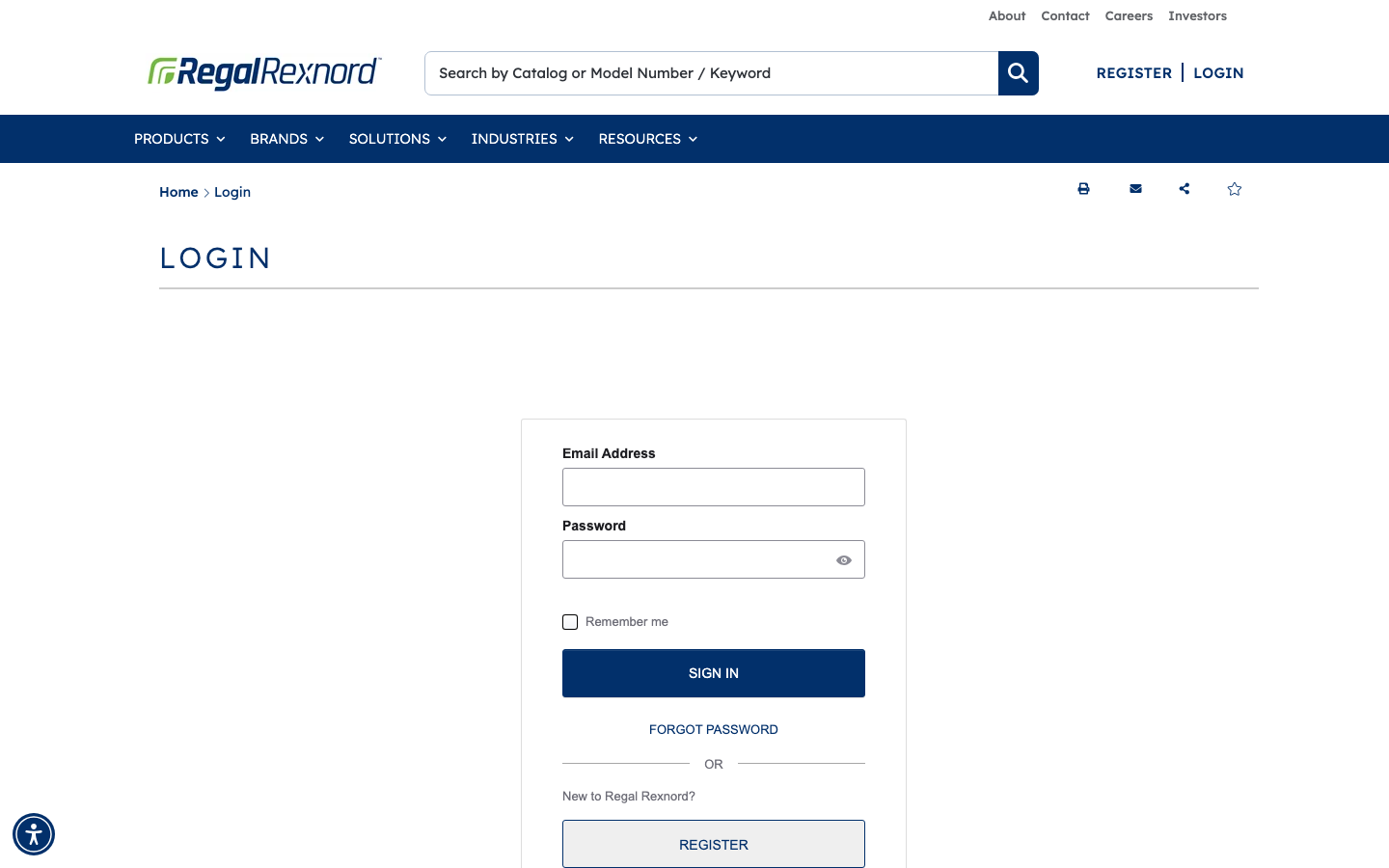
Step 2: entered the test user email and submitted login. The Select Shipping Address account selector was displayed after authentication.
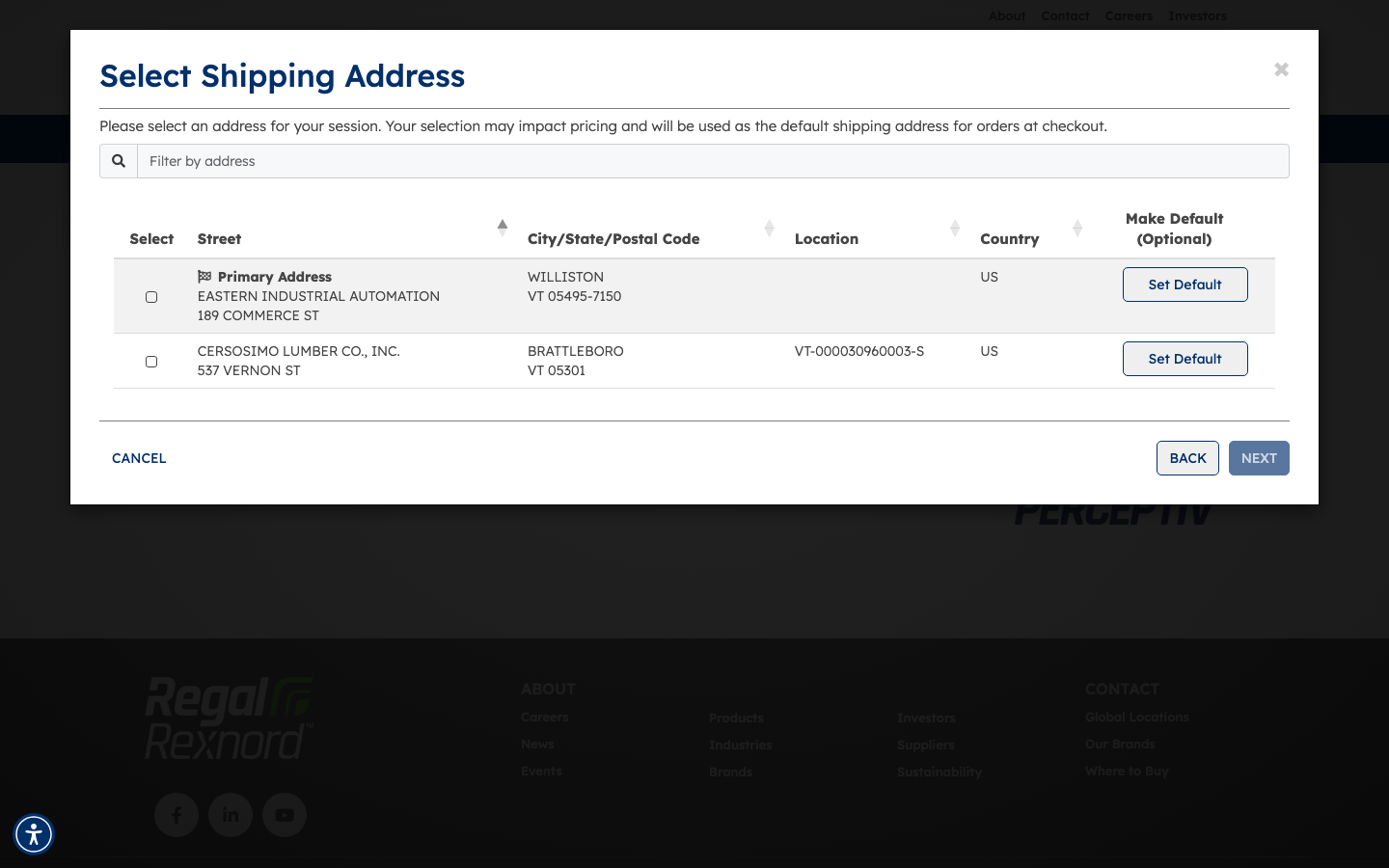
Step 3-5: verified account options were present and selected the first row (Primary Address), which highlighted in green and enabled NEXT.
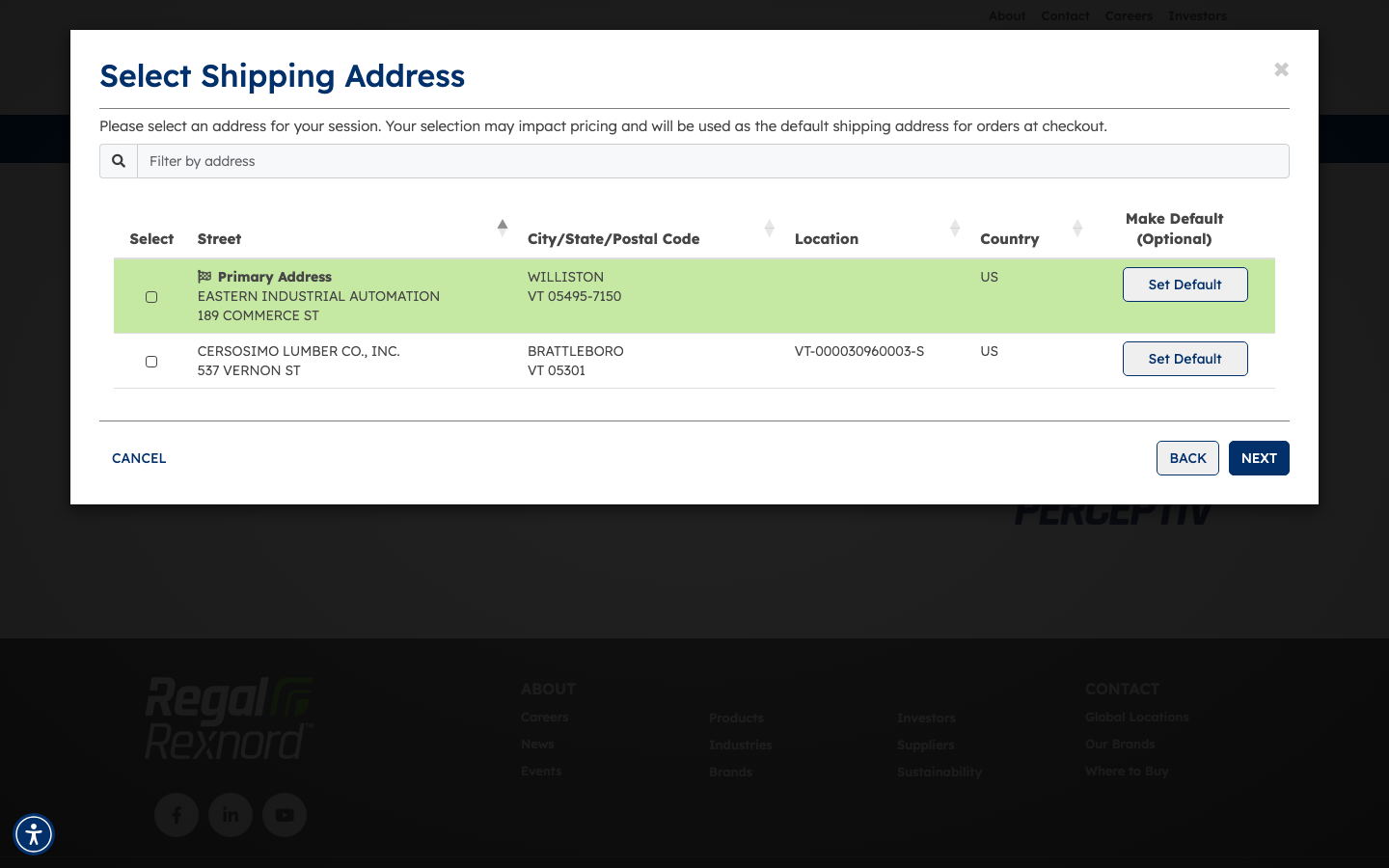
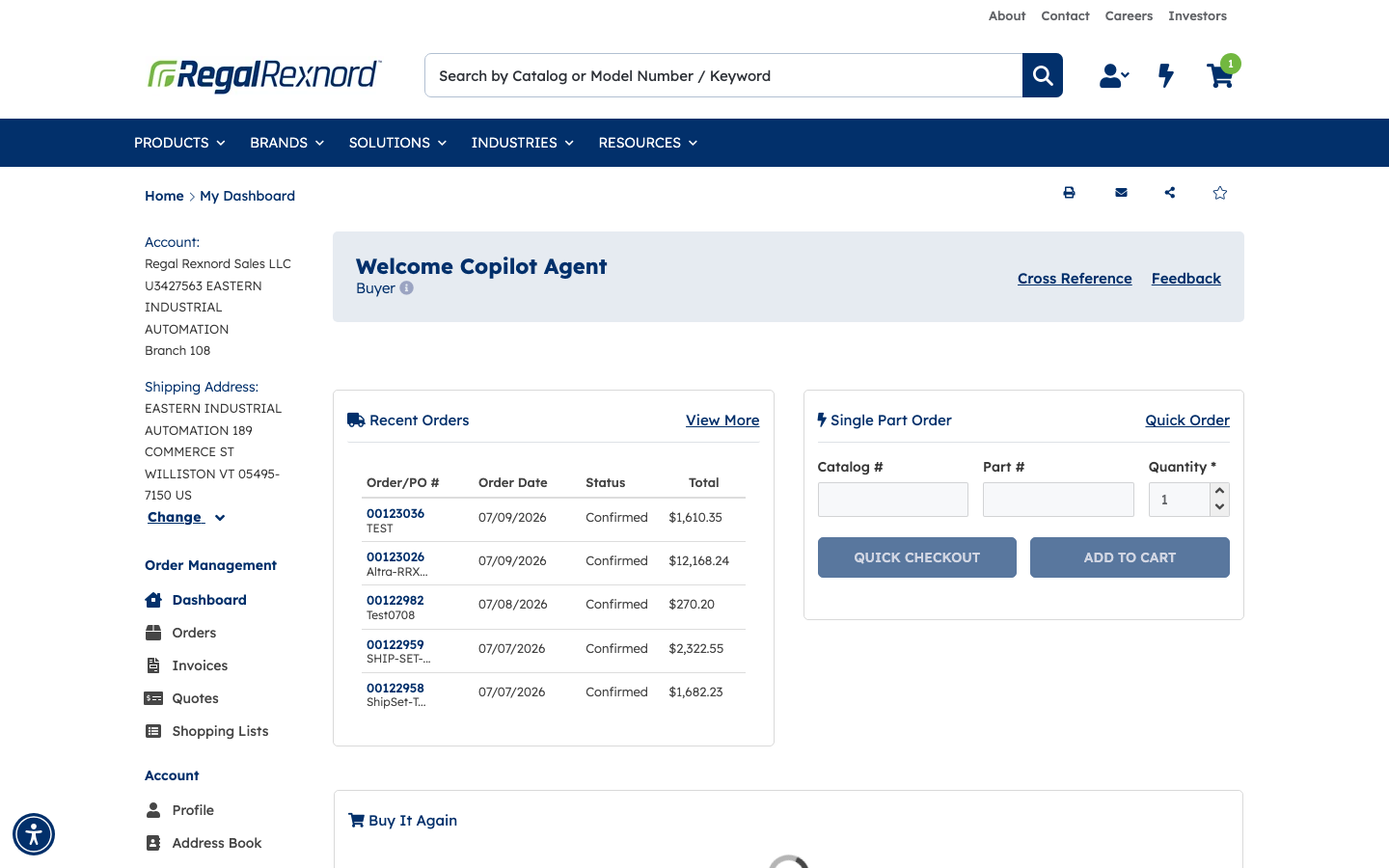
Step 6-7: clicked NEXT and confirmed redirect to the dashboard URL /accountmanagement.
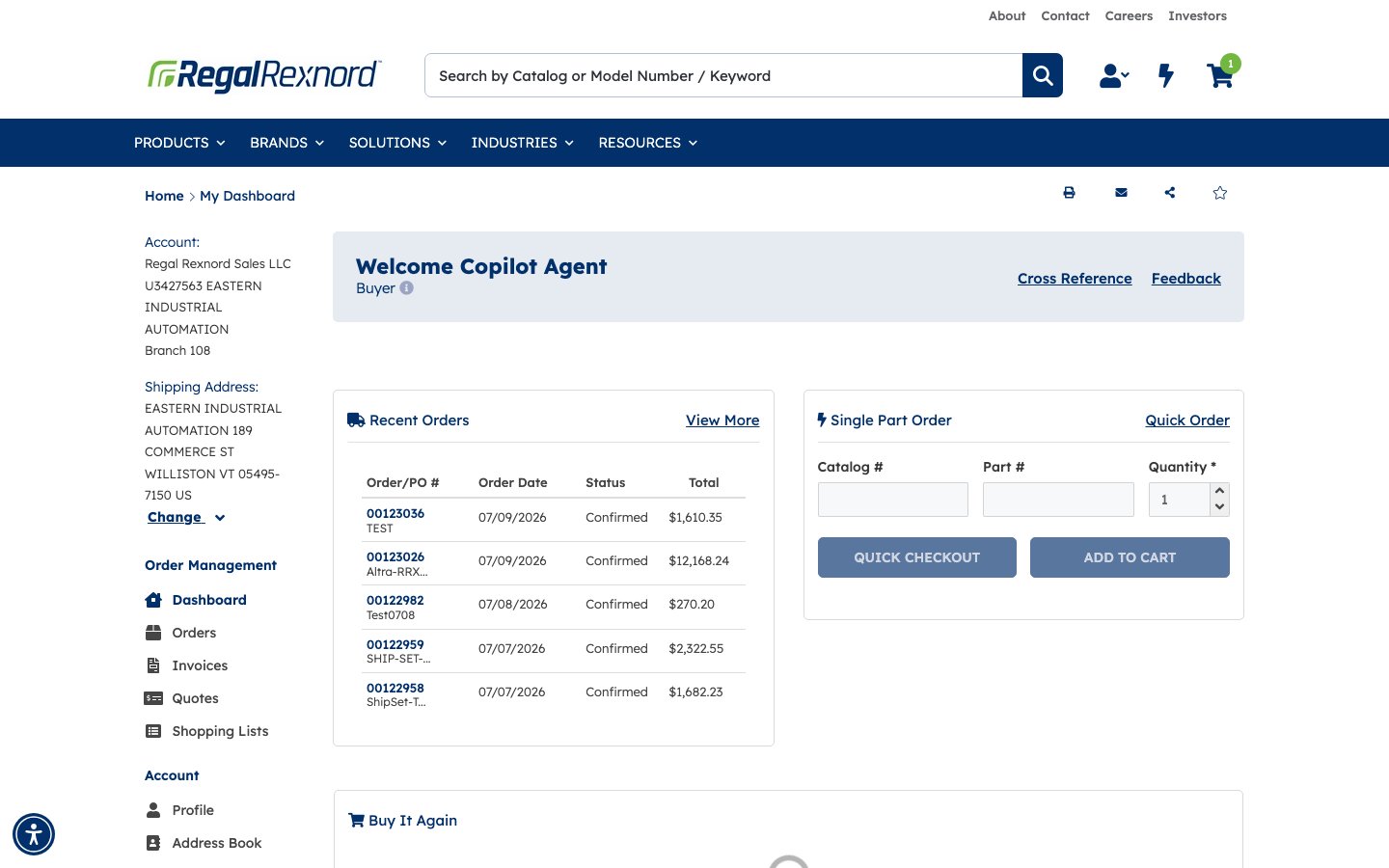
Step 8 verification: confirmed the header message is exactly Welcome Copilot Agent.

Step 9 verification: confirmed shipping/account context reflects Primary Address (EASTERN INDUSTRIAL AUTOMATION, 189 COMMERCE ST, WILLISTON VT 05495-7150 US).
Summary
| Step | Expected Result | Observed | Status |
|---|---|---|---|
| 1. Click LOGIN in header | Login page opens | Login page opened at /regal-login | ✅ |
| 2. Enter credentials and submit | Authentication proceeds | Login submitted for test user | ✅ |
| 3. Account Selector appears | Shipping Address selector is shown | Selector modal displayed | ✅ |
| 4. Verify account options exist | At least one account row listed | Multiple account rows listed | ✅ |
| 5. Select Primary Address first option | First account row is selected | Primary Address row highlighted/selected | ✅ |
| 6. Click NEXT | Selection is confirmed | NEXT accepted selection | ✅ |
| 7. Redirect to Dashboard | Navigate to /accountmanagement | Redirected to dashboard URL | ✅ |
| 8. Verify welcome header | Header shows Welcome Copilot Agent | Exact header text confirmed | ✅ |
| 9. Verify shipping/account context | Context reflects Primary Address | Left panel shows Primary Address details | ✅ |