How to Register for an Account on RegalRexnord.com — Test results
2026-07-09T20:23:23Z by Showboat 0.6.1
Supporting detail for the feature demo.
Demonstration overview:
- Site URL: https://uatwww.rrxpreview.com/
- Test user: new unique email generated during run
- Account: New registration request
- Feature: User self-registration with Access Type = Buy Products on RegalRexnord.com
Step 1-3: navigated to registration and opened the Register for Access page from the site header.
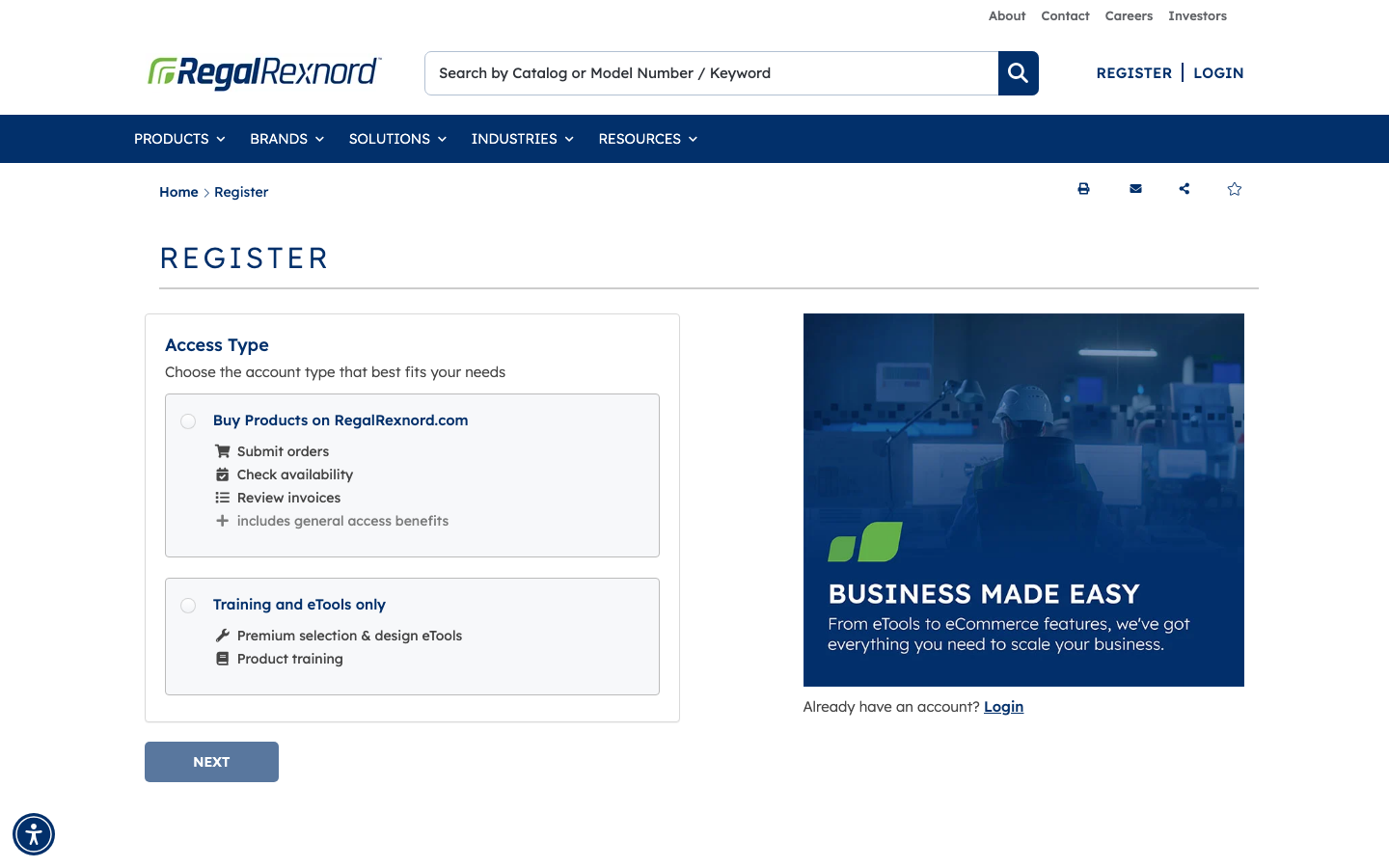
Step 5: selected Buy Products on RegalRexnord.com as the Access Type.
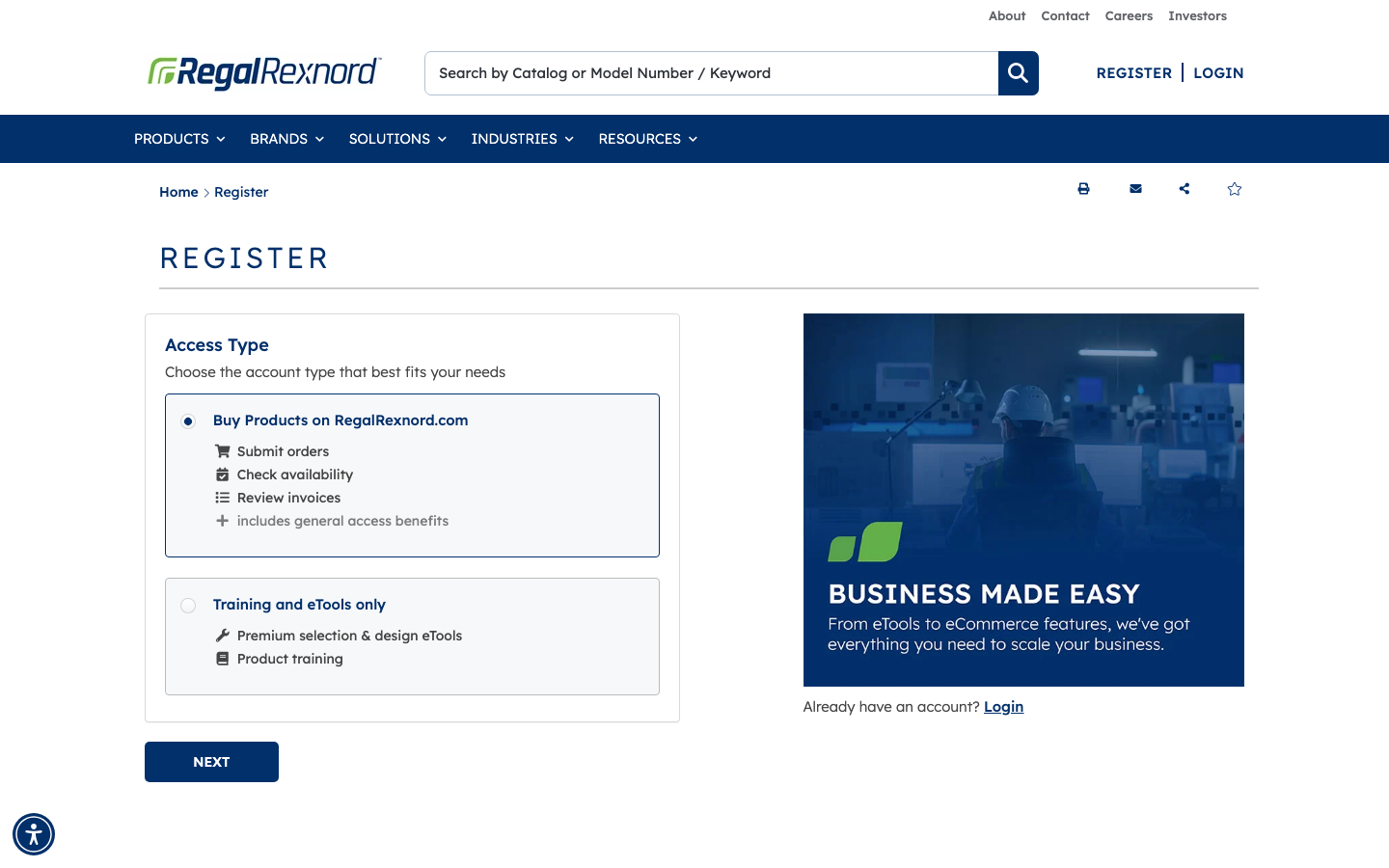
Step 4 and 6: advanced to Profile Details and prepared required contact and company fields.
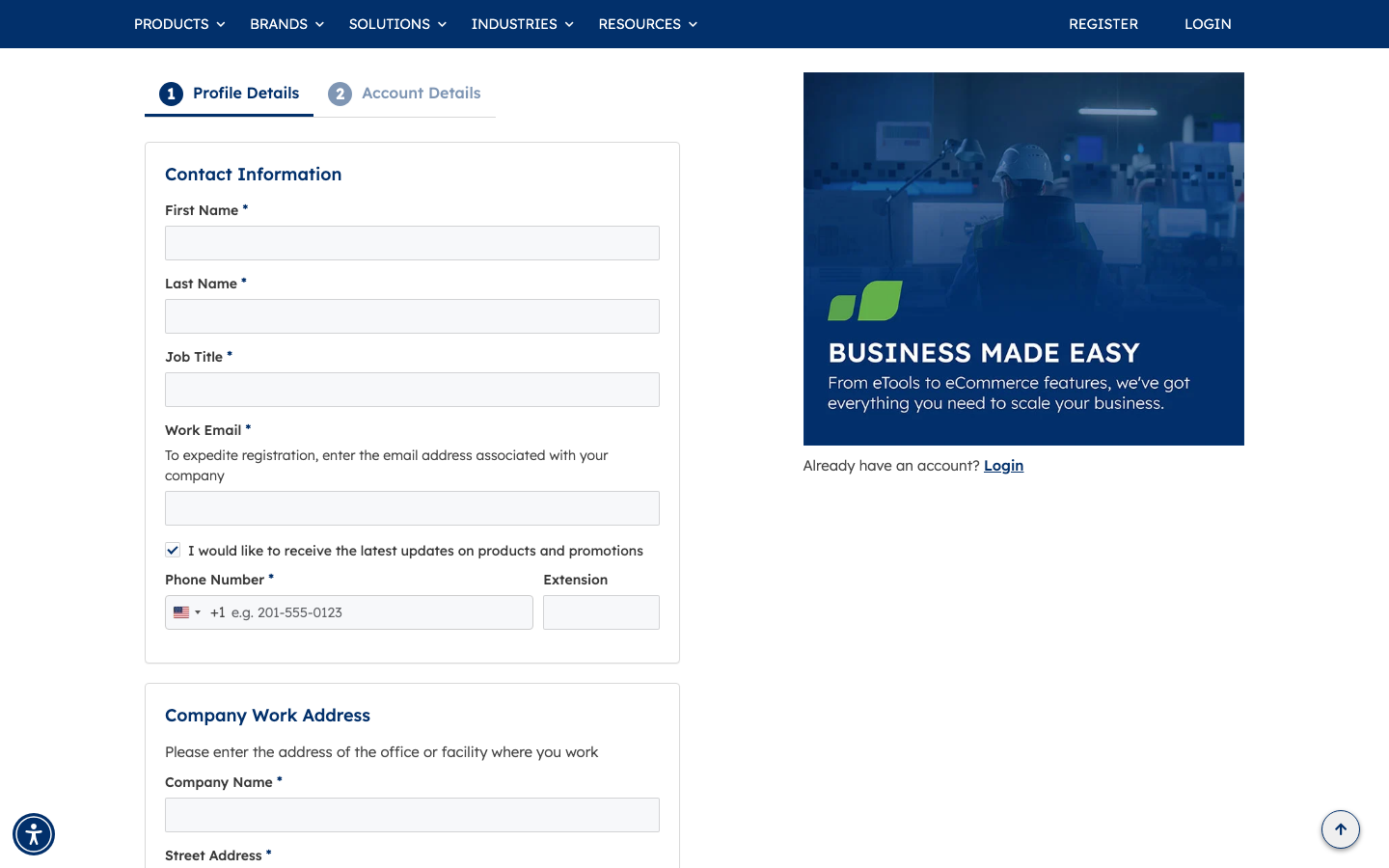
Step 4 and 6: completed required profile information using a new email copilot.reg.demo.20260709152609@example.com.
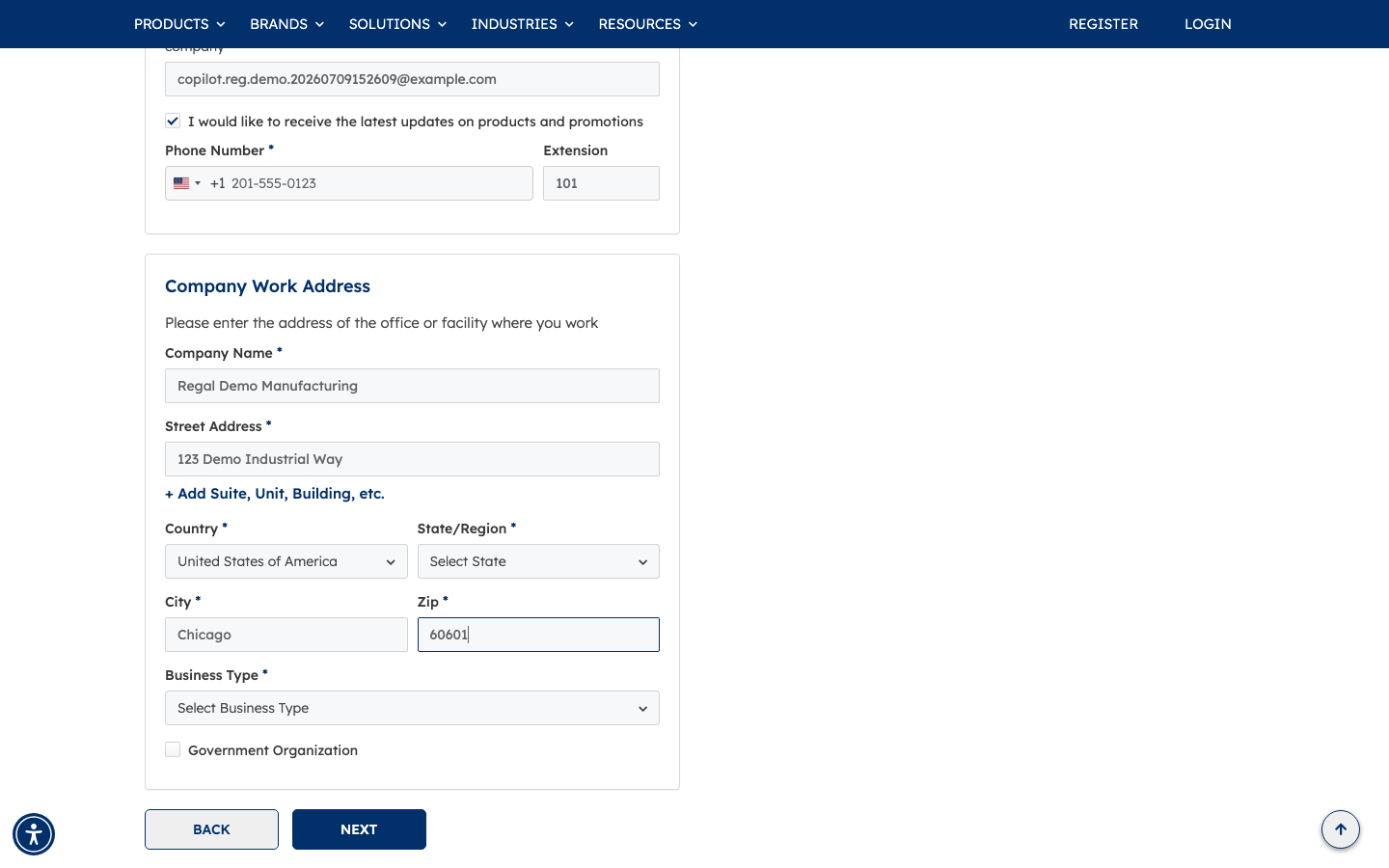
Step 6: continued to Account Details to complete additional company and address context fields.
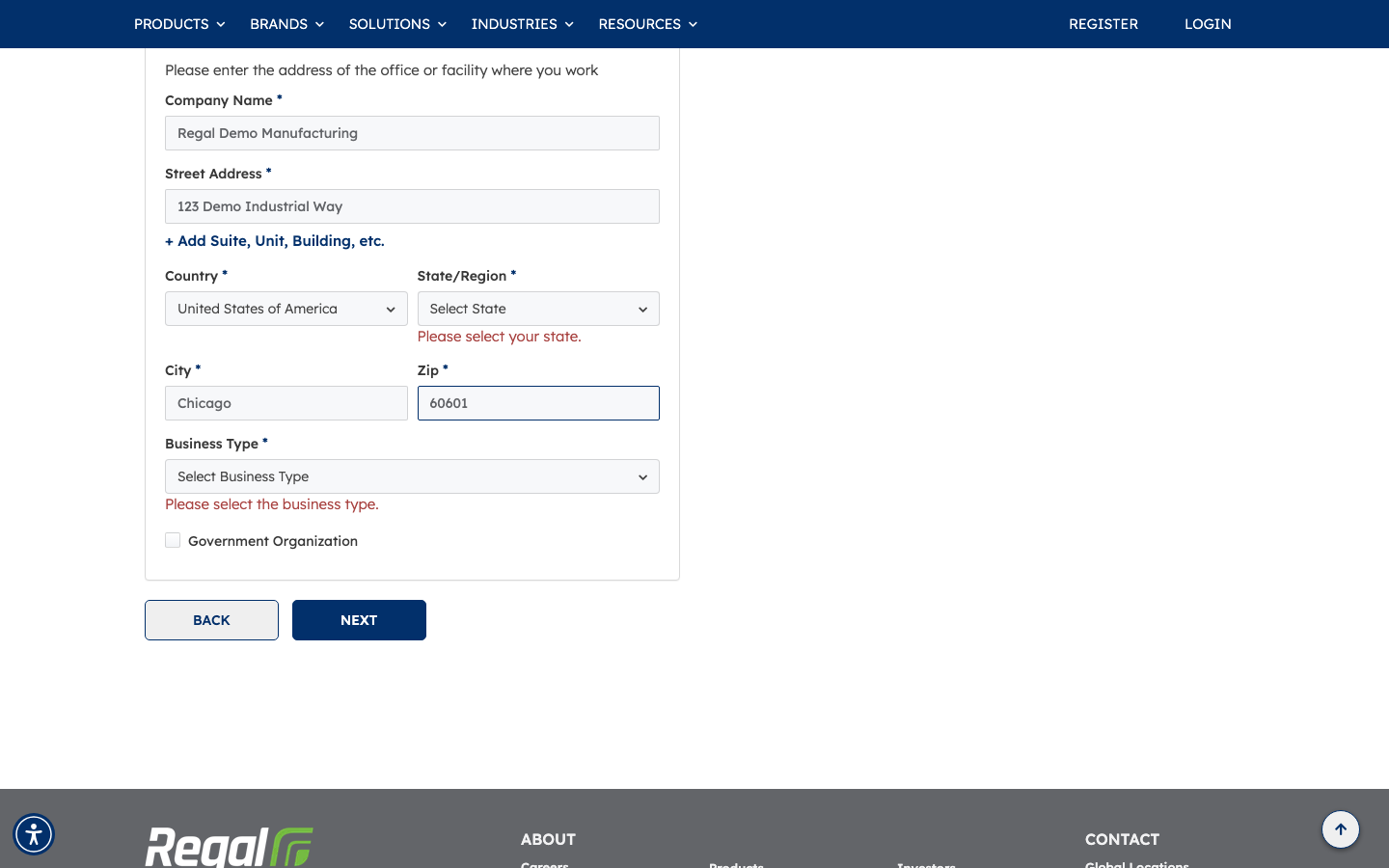
Step 6 and 7: selected business context options and proceeded to the final submission section.
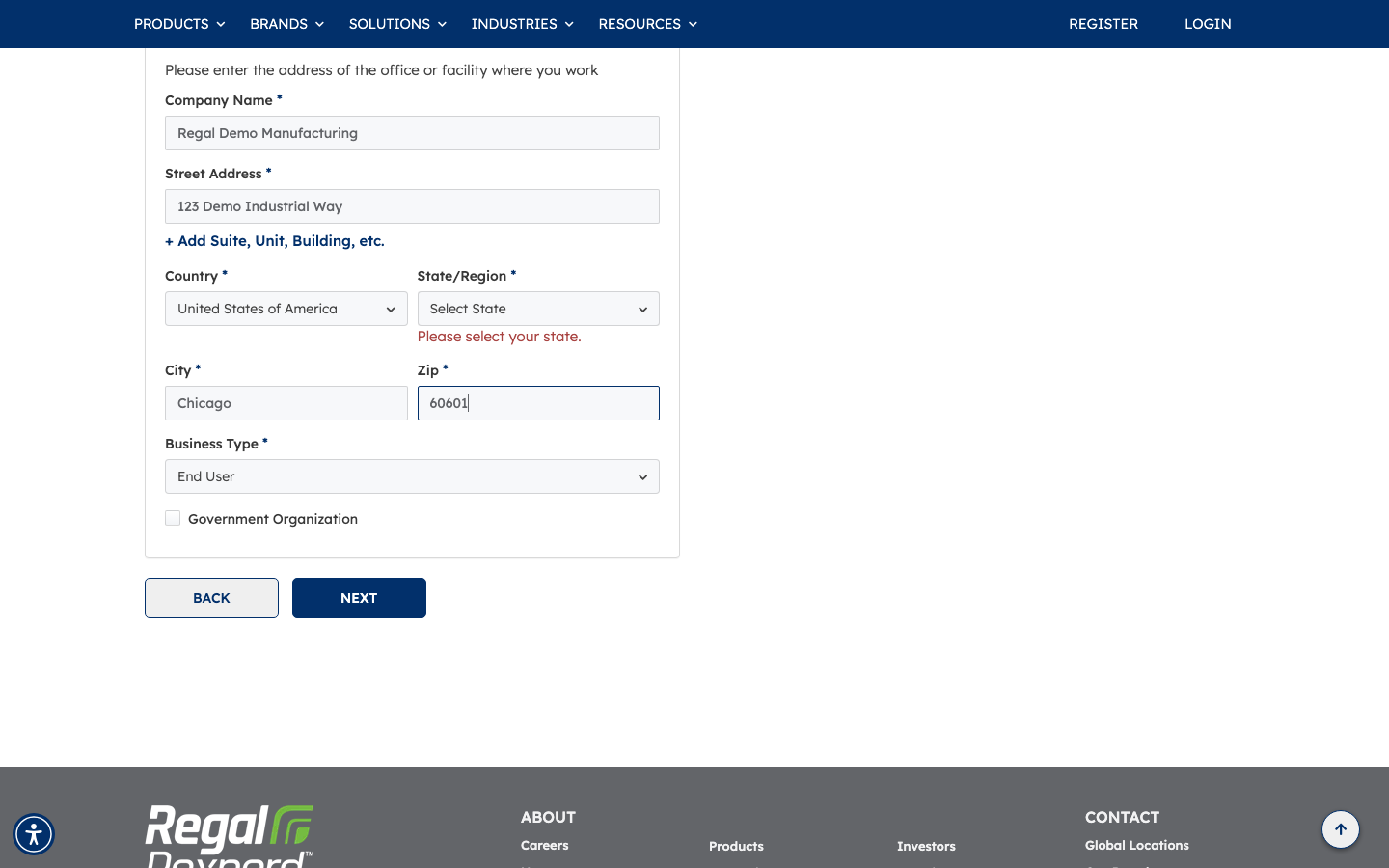
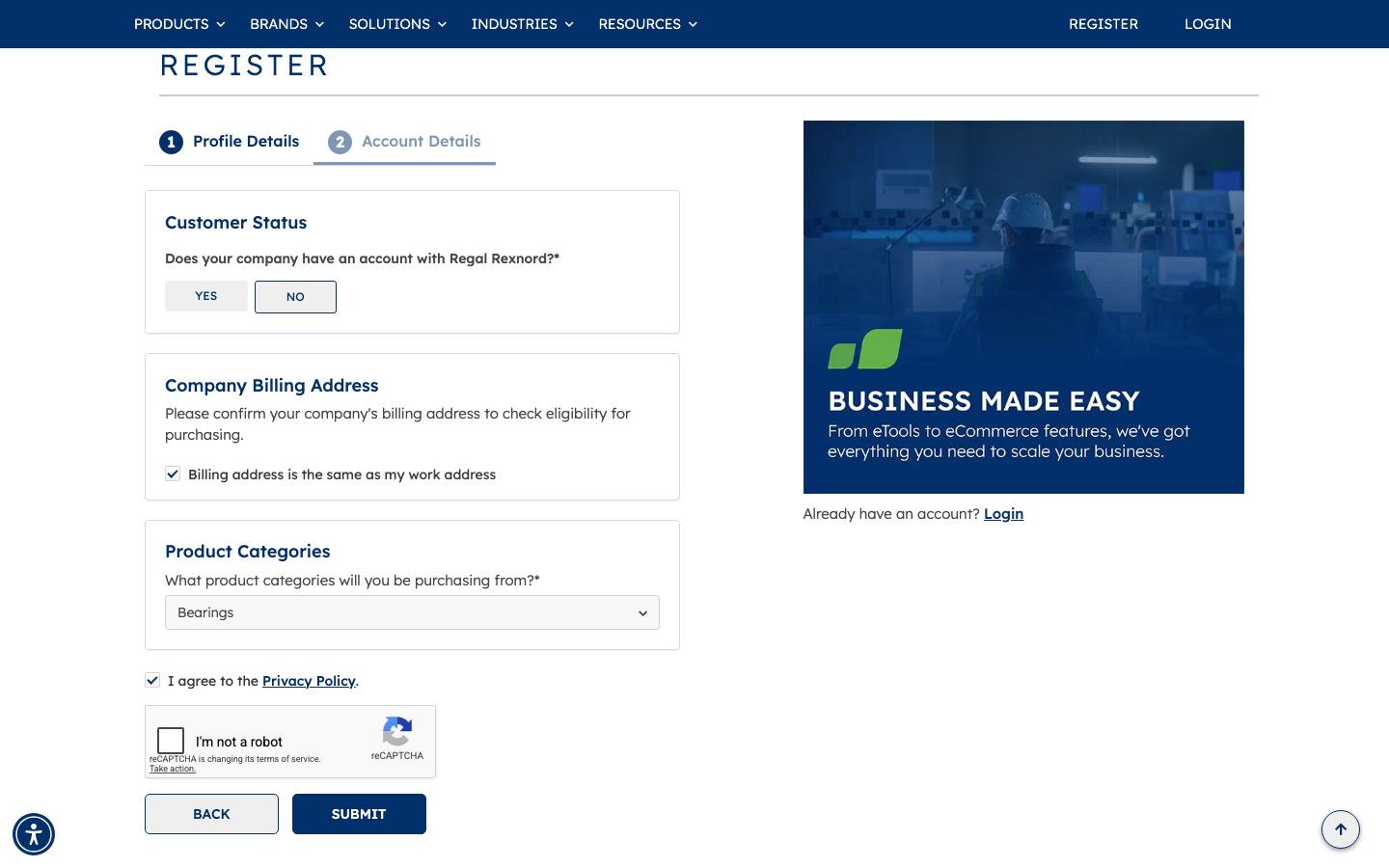
Step 7 and 8: selected customer status and reached final submit panel with required final controls.
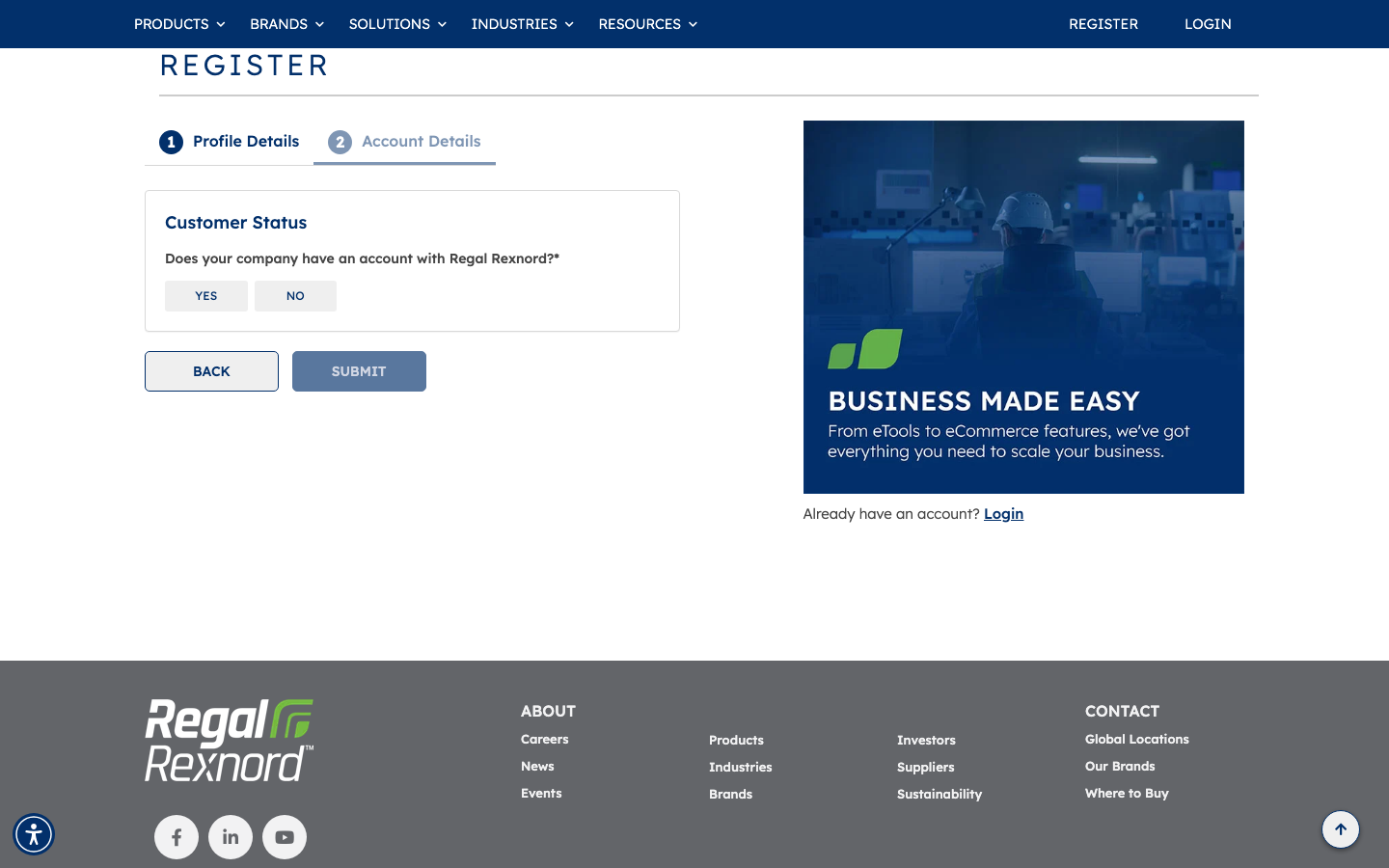
Step 7 and 8: selected Product Category and accepted Privacy Policy to prepare submission.
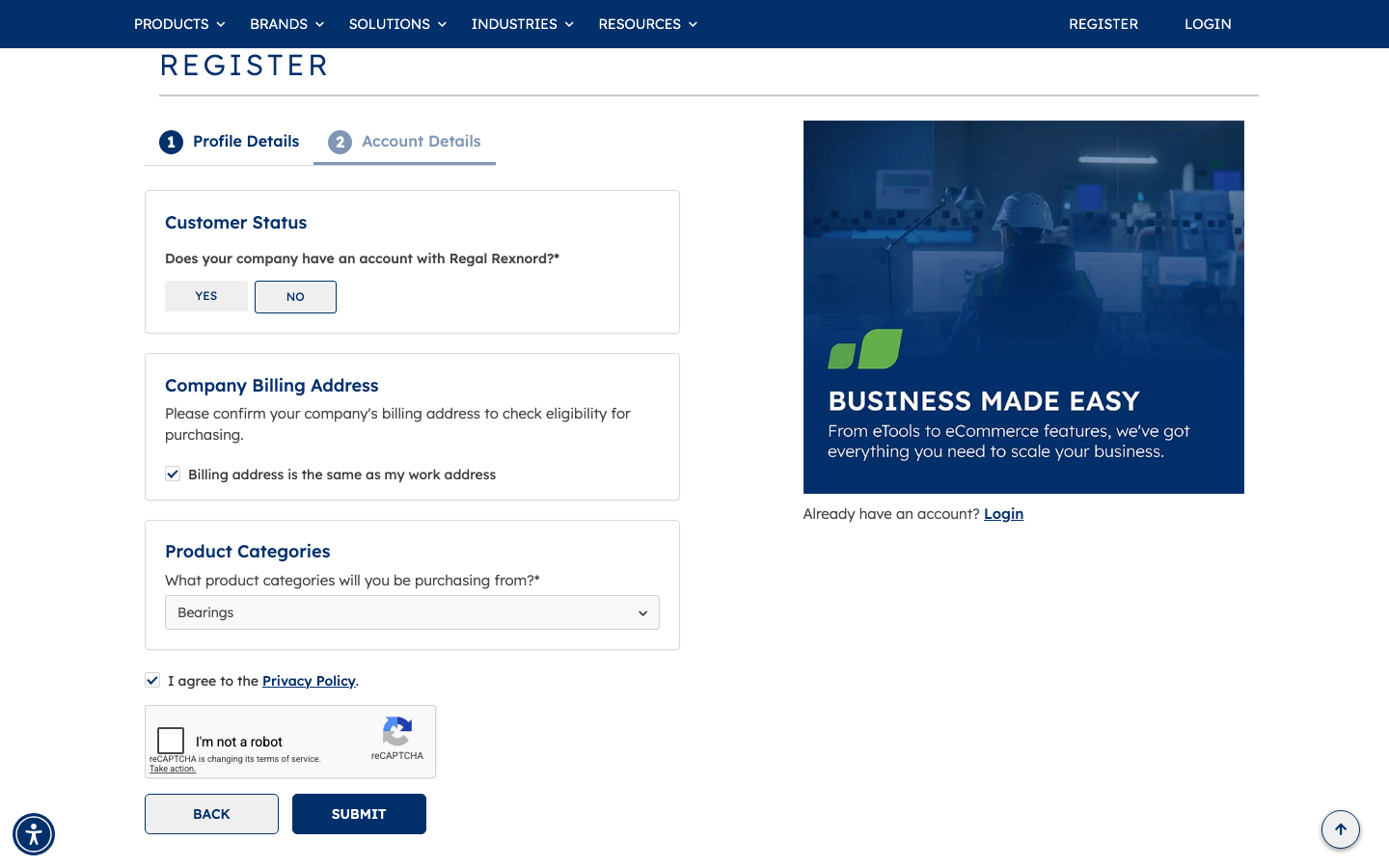
Step 8 to 10 result: submit could not complete because reCAPTCHA requires manual human verification; registration acceptance and downstream confirmation could not be automated in Rodney.
Summary
| Step | Expected Result | Observed | Status |
|---|---|---|---|
| 1. Navigate to home page | Home page loads | Loaded successfully | ✅ |
| 2. Click Sign In / Register | Registration path accessible | Register link was available and used | ✅ |
| 3. Click Register action | Register page opens | Register page opened | ✅ |
| 4. Complete required registration fields | Required profile fields entered | Profile/contact/address fields completed | ✅ |
| 5. Choose Access Type Buy Products | Access type is selected | Buy Products option selected | ✅ |
| 6. Complete company/address/contact fields | Account context fields completed | Additional fields completed and flow advanced | ✅ |
| 7. Check required policy/consent | Consent checkbox selected | Privacy Policy checked | ✅ |
| 8. Click Submit | Registration submits successfully | Blocked by unresolved reCAPTCHA | ❌ |
| 9. Verify registration accepted | Success/confirmation shown | Not reachable due reCAPTCHA gate | ❌ |
| 10. Verify Buy Products access/request context | Submitted request context visible | Not verifiable without successful submission | ❌ |