Finding Where to Buy a Part
Where to Buy takes you from a Regal Rexnord part number to somewhere you can actually buy it — either an online retail partner or a distributor near you. It's the buying path for visitors who aren't signed in, so you can go from a catalog page to a purchase without needing an account.
Signed in with an account set up to order? The product page shows ADD TO CART instead of WHERE TO BUY, and you can order the part directly. The Where to Buy tools are still available any time from Resources > Purchase > Where To Buy. This walkthrough covers the WHERE TO BUY experience.
No account or sign-in is required — this is the guest experience. Have your part number handy. The examples below use part 700180, a Sealmaster NP-16 pillow block bearing.
Getting there without a part number
You don't have to start from a product page. Where to Buy is always in the main navigation, even when you're signed in:
- Menu path: Resources > Purchase > Where To Buy
- Direct URL: https://www.regalrexnord.com/where-to-buy
That opens the same Buy Online and Find Locally tabs described below — you just enter the brand and location details yourself instead of having them carried over from a product page.
Step 1 — Open the product page for your part
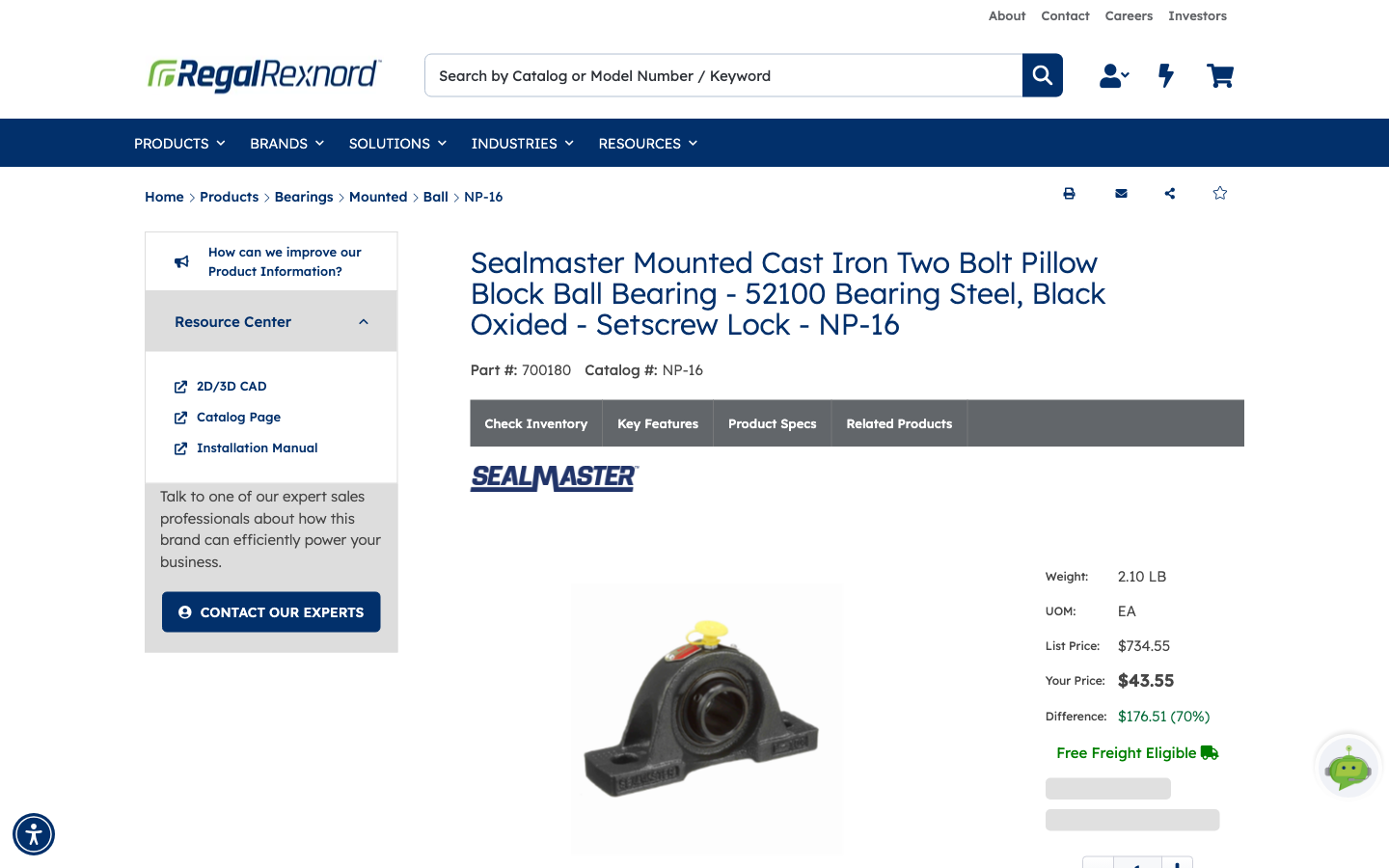
Go to the product detail page for the part you need. It shows the product name, part number, catalog number and list price.
Because you're browsing as a guest, the purchase area holds a single WHERE TO BUY button rather than a quantity box and ADD TO CART.
Step 2 — Click WHERE TO BUY to see online partners
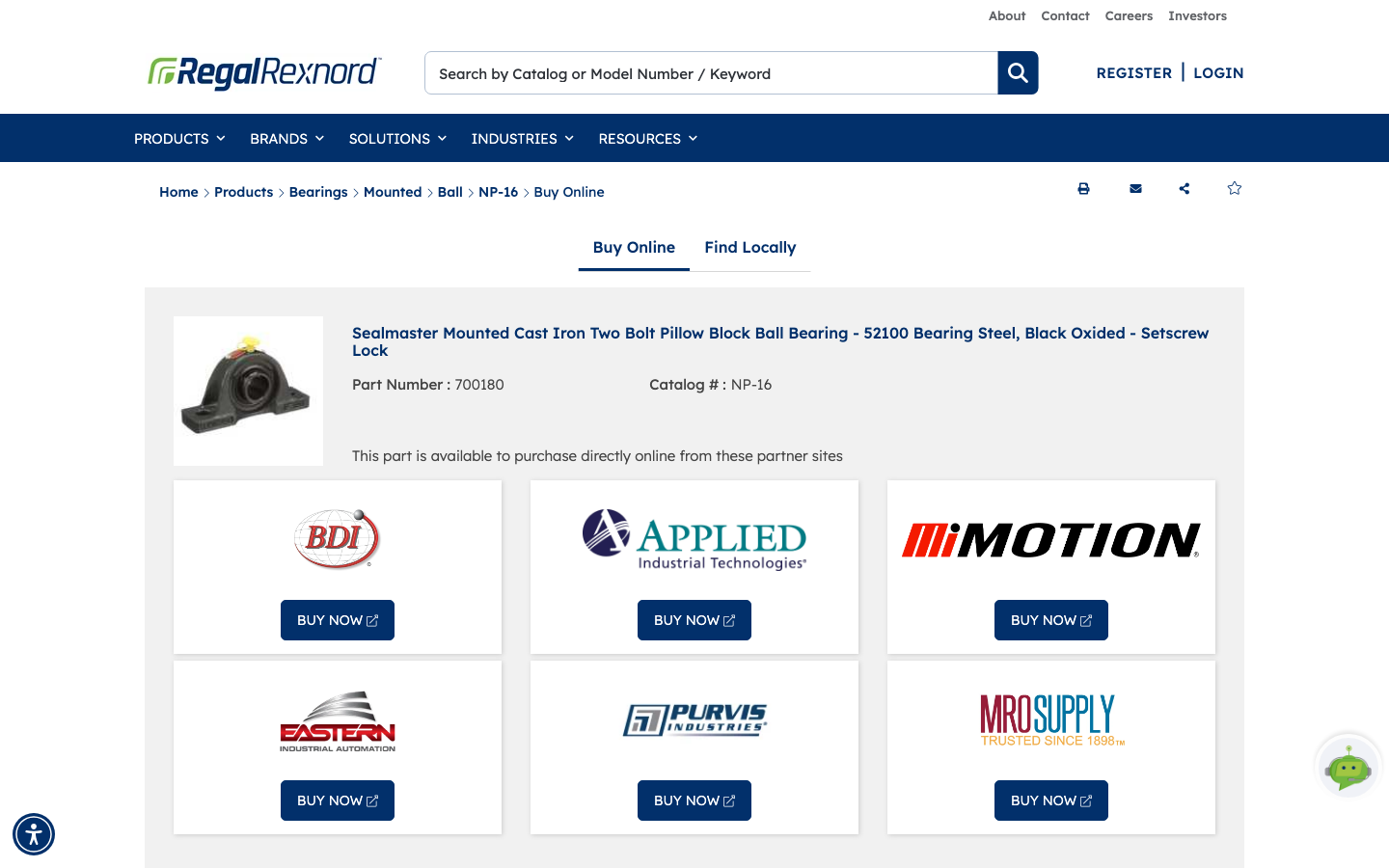
Click WHERE TO BUY. You land on a page with two tabs, Buy Online and Find Locally, with your part already carried across — the part number and catalog number are shown at the top so you can confirm you're looking at the right item.
Buy Online opens first. It lists partner websites that stock your part and can fulfil an order today. Click BUY NOW on any of them to go straight to that partner's site and check out there.
Step 3 — Switch to Find Locally
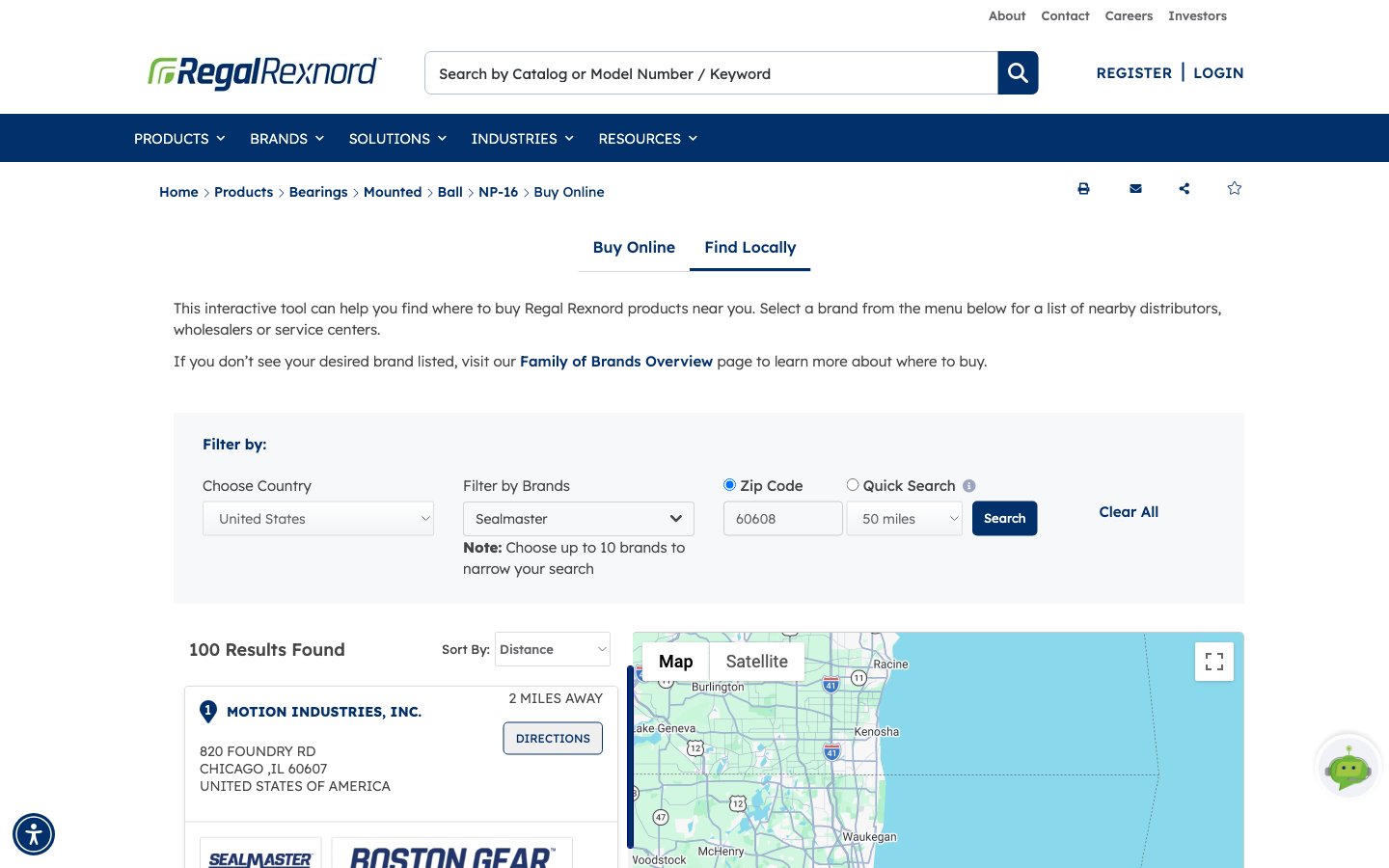
If you'd rather collect the part or deal with someone locally, click the Find Locally tab. That swaps the partner list for a distributor locator.
The brand is already filled in from your product page — Sealmaster, in this example — and an initial set of results is shown straight away. From here you can change the country, add or swap brands (up to ten), and set how far you're willing to travel.
Step 4 — Search by ZIP code and browse the results
Enter your ZIP code, pick a search radius, and click Search.
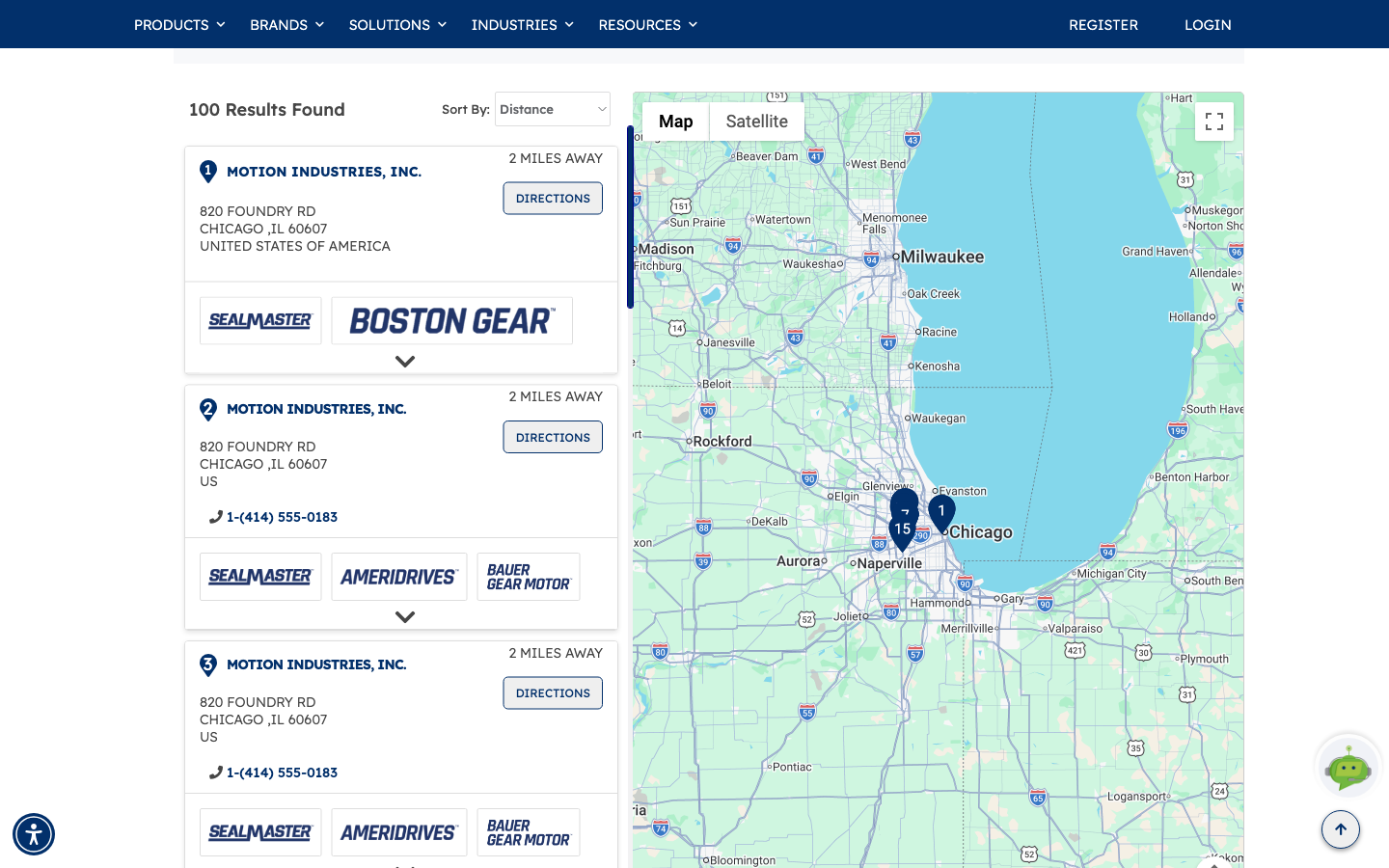
The results list shows each distributor with its address, phone number and distance from you, along with the Regal Rexnord brands it carries. The map beside it drops a numbered pin for each result, so you can see at a glance which ones are genuinely convenient. DIRECTIONS on any result opens it in maps, and Sort By lets you switch between distance and provider name.
That's it. You can buy from an online partner in a couple of clicks, or take your part number to a distributor that's convenient for you.
If you'd rather order directly from Regal Rexnord, sign in with an account that has ordering access — the product page will show ADD TO CART instead of WHERE TO BUY.